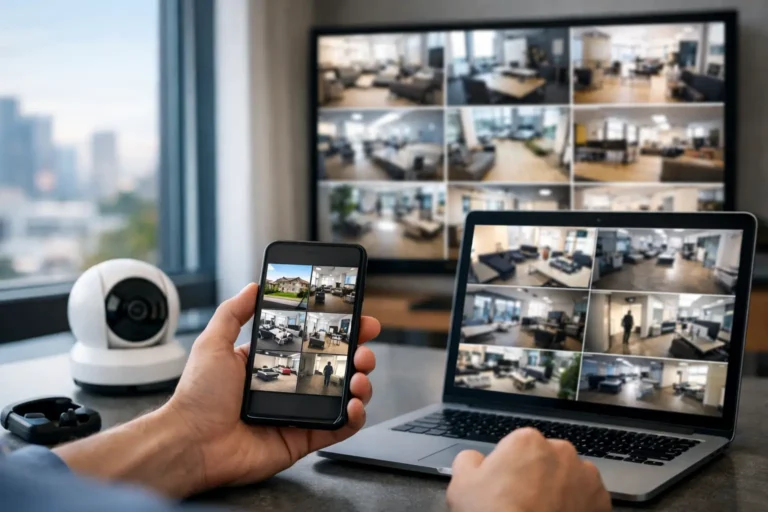
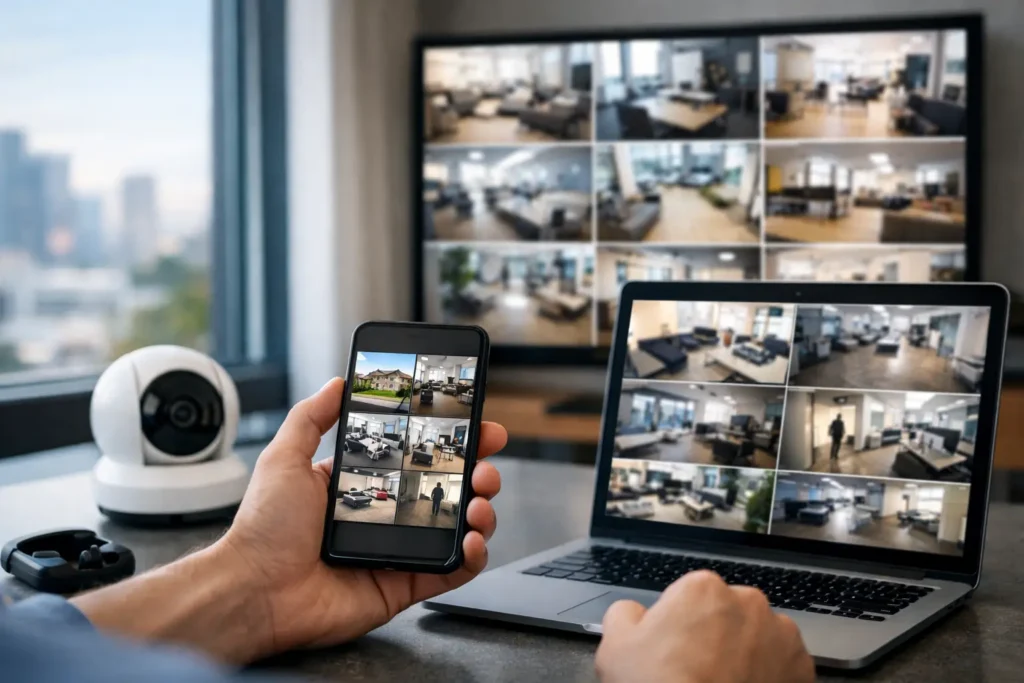
A camera is most valuable when it helps you notice the right thing at the right time – not when it fills your phone with alerts for every passing car, rainstorm, or employee arriving for work. Learning how to monitor security cameras begins with a plan for what you need to see, when you need to see it, and who should receive an alert.
For Louisiana homeowners and business owners, remote camera monitoring can provide real peace of mind during a workday, a family trip, severe weather, or after closing time. The right system lets you check live video, review recorded activity, and respond quickly without making security another full-time job.
How to Monitor Security Cameras Effectively
Start by identifying the areas that matter most. At home, that may include front doors, driveways, side gates, garages, and backyards. For a business, cameras often need to cover entry points, cash handling areas, customer-facing spaces, loading areas, and parking lots.
Each location has a different purpose. A front-door camera can help you verify a delivery or visitor. A driveway camera may help you see arriving vehicles. A camera at a business entrance can document opening and closing activity. When cameras are placed with a specific goal in mind, monitoring becomes more useful and less overwhelming.
After placement, establish how you will access the system. Most modern professionally installed camera systems allow authorized users to view live video and saved clips through a secure mobile app, tablet, or computer. This means a homeowner can check on a package from the office, while a business owner can verify that the building was secured after hours.
Remote access is convenient, but it should not replace sound judgment. Checking video occasionally is different from trying to watch every camera feed all day. A better approach is to rely on well-configured alerts, then use live video when an alert gives you a reason to look closer.
Set Alerts That Help Instead of Distract
Too many notifications can cause people to ignore the alerts that matter. Begin with motion alerts at the areas where activity should be limited, such as a back gate, an equipment yard, or a closed business entrance. Then adjust sensitivity and activity zones to reduce unnecessary notifications.
For example, if a camera faces a street, create an activity zone around the driveway or walkway rather than monitoring the entire view. If a business receives deliveries at a rear door, schedule alerts for that door outside normal delivery hours. The goal is not to capture every movement. The goal is to bring attention to activity that may require action.
Many camera systems can distinguish among people, vehicles, and general motion. When available, these smarter alert settings can reduce notifications caused by wind, animals, or changing shadows. They are especially helpful in busy neighborhoods and commercial locations with regular foot traffic.
It takes a little adjustment to get alerts right. Review your first few days of notifications and make changes based on what you receive. If you are getting too many clips, narrow the detection area or lower the sensitivity. If important events are missed, expand the area or adjust the camera angle.
Use Live Video and Recorded Clips Together
Live viewing is useful when you want to see what is happening now. You may use it to confirm that your children arrived home, check whether a contractor is at the door, see if a customer has entered the business, or assess conditions around the property during a storm.
Recorded clips answer a different question: what happened while you were away? Video history can help you review an event after receiving a notification, check the time a delivery arrived, or understand activity reported by an employee, neighbor, or family member.
For businesses, recorded video can also support day-to-day operations. Managers may review opening and closing procedures, investigate a customer concern, or verify activity at a restricted area. That does not mean cameras should be used as a substitute for good communication with employees. They work best as one part of a clear, fair security process.
Set a reasonable recording plan based on the property and risks involved. A small home may need event-based clips from a few key cameras. A business with inventory, cash transactions, or multiple entry points may need longer video retention and broader coverage. A professional can help determine what fits your needs without paying for more storage or equipment than necessary.
Give the Right People the Right Access
Camera access should be controlled carefully. Every household member or employee does not need the same level of permission. A business owner may need access to all locations and recorded video, while a manager may only need to view cameras during assigned hours. At home, parents may want full access while older children only receive selected alerts.
Use separate user accounts instead of sharing one password. This makes it easier to add or remove access when staffing or household needs change. Choose strong, unique passwords and enable multi-factor authentication whenever the system offers it.
Privacy should shape your camera plan from the start. Cameras should focus on your own entrances, property, and business areas. Avoid pointing cameras into neighbors’ private spaces. Inside a business, be clear with employees about where cameras are installed and why. Cameras should never be placed in restrooms, changing areas, or other spaces where people reasonably expect privacy.
Audio recording rules can vary by situation, so ask a qualified security provider about the settings that are appropriate for your property. A thoughtful setup protects your people and property while respecting the people around you.
Keep Your Cameras Ready When You Need Them
Monitoring is only dependable when the cameras and network are working properly. Test live video, notifications, and recording access regularly. A quick monthly check can reveal a camera that has shifted, a lens that needs cleaning, or an alert setting that no longer matches your routine.
For outdoor cameras, inspect the view after heavy rain, high winds, landscaping work, or construction. Louisiana weather can affect visibility quickly. Trim branches that block the view, clean away spiderwebs and debris, and make sure nighttime lighting still provides a clear image without creating glare.
Your internet connection also affects remote viewing. A weak Wi-Fi signal at the far end of a house, warehouse, or parking area can result in delayed video or unreliable uploads. In some cases, improving network coverage or using a professionally planned connection is more effective than simply adding another camera.
Power outages are another consideration. Battery backups can keep essential equipment operating for a limited time, but they do not replace a complete security plan. If the internet service is down, remote viewing may not be available even if cameras still have power. Discuss these limitations before installation so you know what to expect during an outage.
Know When to Act on an Alert
A camera alert is information, not always an emergency. When an alert arrives, first view the live feed or recorded clip if it is safe to do so. You may find that it is a delivery, a family member, an employee, or a harmless source of motion.
If you see suspicious activity, do not confront someone from a distance or put yourself in danger by rushing to the property. Save the relevant video, contact law enforcement when appropriate, and notify anyone who may be affected. For a business, establish an after-hours response plan so managers know who is responsible for reviewing alerts and making decisions.
Professional monitoring can add another layer of support when cameras are part of a larger security system. Cameras provide visibility, while monitored intrusion alarms can help ensure that an alarm event receives a timely response even when you are unable to look at your phone. The right combination depends on your property, schedule, and level of risk.
Get a Camera Plan Built Around Your Property
Do-it-yourself cameras can work for limited needs, but installation quality matters. A poorly positioned camera may capture the top of a person’s head instead of a usable image. An unprotected cable, weak wireless signal, or poor nighttime angle can create problems that only become obvious after an incident.
A professional installation considers camera height, lighting, coverage, network performance, recording needs, and the way people actually move through your property. It also gives you someone to call when a setting needs to change, a camera needs service, or your security needs grow.
Alarm Center Security has helped protect Louisiana homes and businesses since 1985 with customized systems, professional installation, and local support. Whether you need a few cameras around your home or a coordinated video and alarm solution for a business, the best system is one you can use confidently every day.
A well-monitored camera system should make your property feel easier to manage, not harder to watch. Set it up around the moments that matter, test it regularly, and keep help close by when your needs change.