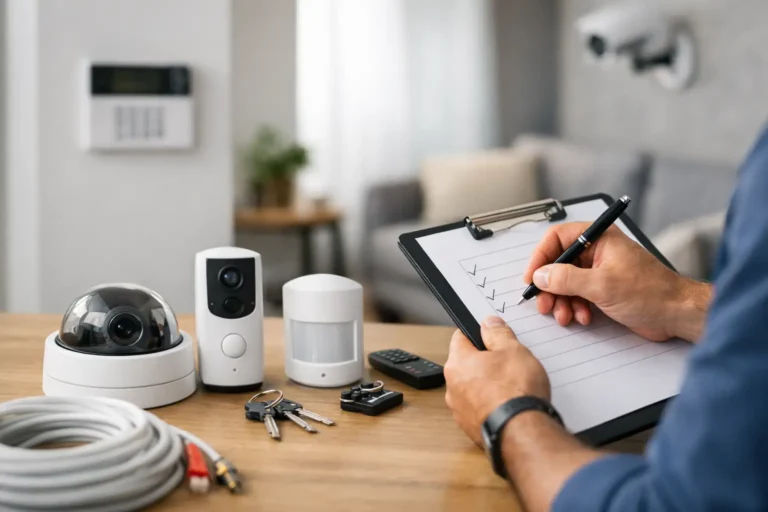
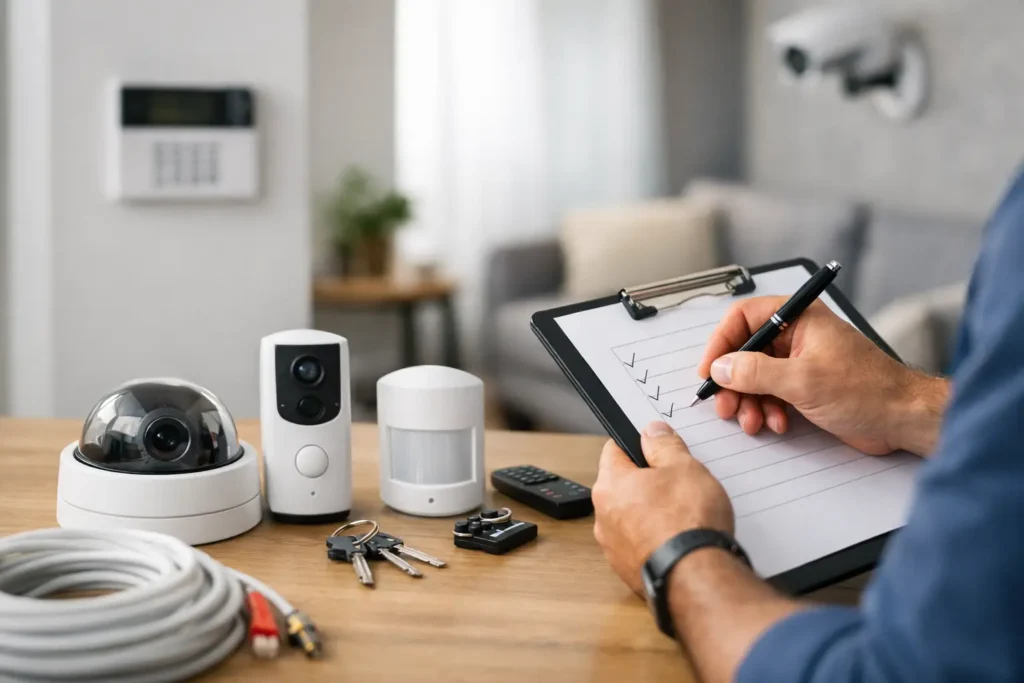
A security system usually looks simple once it is on the wall and working. The part most homeowners do not see is the planning that makes it reliable. A good home security installation checklist helps you think through entry points, camera coverage, monitoring, power, internet, and daily routines before equipment is installed.
That upfront planning matters. A system that fits your home and your habits is easier to use, less likely to create false alarms, and more likely to protect your family when it counts. Whether you are moving into a new house, upgrading an older system, or adding smart control, this checklist will help you ask the right questions before installation day.
Start With the Way You Actually Live
The best security plan is not built around gadgets. It is built around your property, your schedule, and the people coming in and out of the home. A retired couple with a quiet routine may need something different than a family with teenagers, frequent deliveries, pets, and housekeepers. The layout of the home matters too. A one-story house with several accessible windows presents a different set of priorities than a two-story home with a fenced yard and detached garage.
Start by identifying what you want the system to do every day. Some homeowners want strong intrusion protection and professional monitoring. Others also want remote arming, doorbell alerts, indoor and outdoor video, garage door awareness, and lighting control. If convenience matters, that should be part of the installation plan from the beginning rather than an add-on later.
Your Home Security Installation Checklist for Planning
Before choosing equipment, walk the property with a practical eye. Think like someone trying to get in, but also like someone who has to use the system every day.
Check every entry point
Count all doors that lead outside, including the front door, side doors, back doors, garage entry doors, and any doors from the garage into the house. Then look at first-floor windows and any windows that are easy to reach from a porch, fence, or lower roofline. These are the openings where door and window contacts or glass break protection may make the most sense.
Not every opening needs the same level of protection. A formal dining room window that stays closed most of the year may be handled differently than a back patio door used ten times a day. This is where professional system design helps. The goal is not to overload the home with devices. It is to cover the most meaningful risks in a way that fits how the space is used.
Decide where motion detection belongs
Motion sensors work best when they cover likely paths of movement, not just empty square footage. Common locations include central hallways, large living areas, and paths from the garage into the house. Placement matters because motion detectors can be affected by pets, ceiling fans, windows, and room layout.
This is also an area where one-size-fits-all advice falls short. A home with large dogs, open-concept spaces, or frequent nighttime movement may need a different approach than a home that stays empty most of the workday.
Plan camera coverage with purpose
Cameras should answer real questions. Who came to the front door? Did a package arrive? Did someone enter the driveway? Is the backyard gate open? A camera mounted too high, too low, or aimed in the wrong direction may record activity without giving you usable video.
For many homes, the most valuable camera positions are the front door, driveway, backyard, and side access points. Indoor cameras can make sense in select areas, especially near main entry zones or common spaces, but privacy should be part of that discussion. Bedrooms and other sensitive spaces are usually not appropriate. A clear conversation about camera purpose is more useful than simply adding more devices.
Think Beyond Burglary
A strong residential system often includes more than intrusion protection. Smoke detection, carbon monoxide detection, panic protection, flood sensors near water heaters or washing machines, and temperature alerts can all add meaningful value. These devices help protect not just against break-ins, but also against emergencies that can cause injury or major property damage.
If you travel often, own a second home, or manage rental property, these life-safety and environmental alerts can be especially useful. They provide visibility into problems that might otherwise go unnoticed for hours or days.
Review Power, Internet, and Cellular Backup
Security systems depend on stable communication. If your home has spotty Wi-Fi, a dead zone near the garage, or networking equipment tucked into a weak location, that should be addressed before installation. Cameras in particular need reliable connectivity if they are going to deliver timely alerts and usable video.
Power is another consideration. Panels, keypads, cameras, routers, and smart devices all need proper placement and support. Ask how the system will perform during a power outage and whether battery backup and cellular communication are included. For many homeowners, backup communication is one of the most important parts of the system because emergencies do not always happen under ideal conditions.
Decide How You Want to Control the System
Some people prefer a keypad by the main entry. Others want to do almost everything from a phone app. Most households do best with both. Think through who will arm and disarm the system, who needs app access, and whether children, grandparents, or employees will need simple instructions.
Home automation can also be part of the plan if it supports daily convenience. Smart locks, lights, thermostats, and garage door control can make a security system easier to live with. For example, remote access to a lock can help when a child gets home early or a trusted service provider needs entry. The trade-off is complexity. More connected devices mean more settings, more user permissions, and more opportunities for confusion if the system is not set up carefully.
Prepare for Installation Day
Once the system design is set, a little preparation helps the installation go smoothly. Make sure the installer has access to utility areas, attic access if needed, router locations, and any gate or garage spaces involved in the plan. If pets are in the home, secure them during the visit so technicians can work safely and sensors can be tested without interruption.
It also helps to discuss where visible equipment will go. Keypads should be convenient but not awkwardly exposed. Cameras should cover important views without creating unnecessary glare or poor angles. If aesthetics matter, say so early. A professional installer can often recommend locations that balance performance and appearance.
What to Confirm Before the Job Is Finished
A complete home security installation checklist should always include final testing and user training. Before the installer leaves, confirm that every door and window sensor reports correctly, motion detectors trigger as expected, cameras show the right view, notifications reach your phone, and emergency signals communicate properly.
Take time to learn the system while someone is there to answer questions. Ask how to arm stay mode versus away mode, how to bypass a zone when needed, how to review video, how to manage users, and what to do if a false alarm occurs. This step is easy to rush, but it makes a real difference. A well-installed system is only as effective as the people using it.
Questions worth asking
If you are comparing providers, ask who performs the installation, whether monitoring is local or outsourced, how service calls are handled, and what support looks like after the sale. You should also ask about warranties, upgrade options, and whether the system can grow with your needs.
For homeowners in Louisiana, local experience matters more than many people realize. Weather, property layouts, and long-term service support all shape the quality of a system over time. A provider that understands the area and responds when you need help can be just as important as the hardware itself. That is one reason many families choose a local company like Alarm Center Security instead of a national provider with a less personal approach.
A Checklist Should Lead to Confidence
The point of planning is not to make security feel complicated. It is to make sure the system fits your home before wires are run, sensors are mounted, and apps are downloaded. When entry points are covered, cameras are placed with purpose, backup communication is in place, and the people in the home know how to use everything, the result is more than equipment. It is confidence you can rely on every day.
If you are getting ready for a new system or replacing an outdated one, use this checklist as a starting point and ask for a design that reflects how your household really works. The right plan should make your home feel safer without making daily life harder.