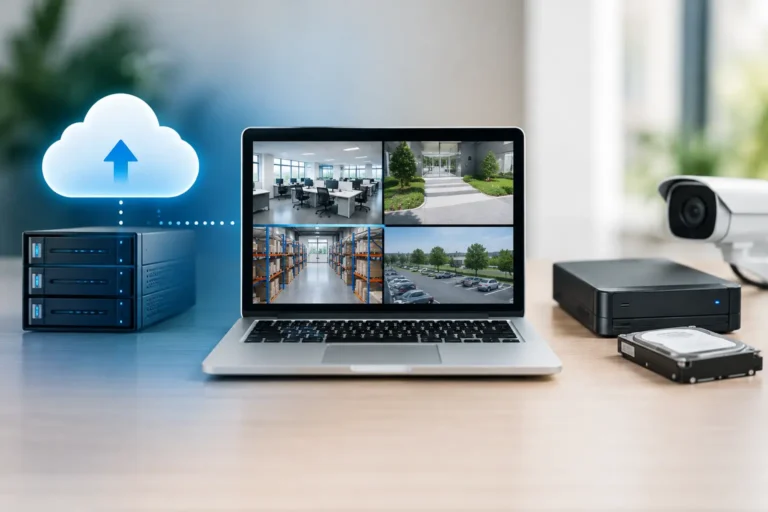
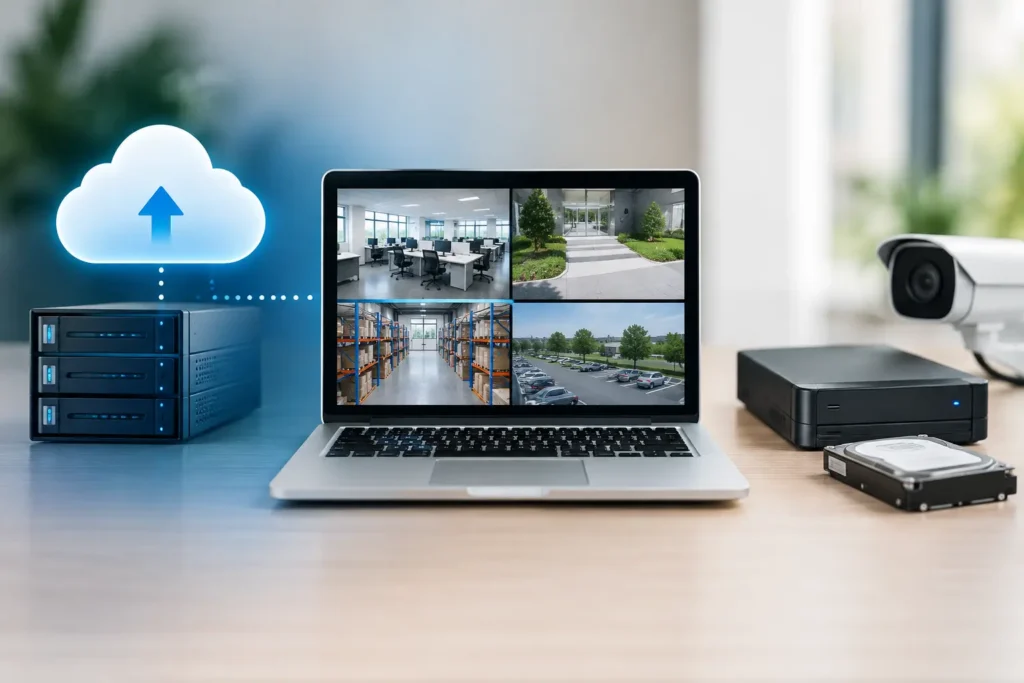
A camera is only as useful as the footage you can find when you need it. In the cloud video versus local recording decision, the best choice is not always the newest option or the lowest monthly cost. It is the storage approach that protects your home or business when an incident occurs, makes footage easy to access, and fits the way you manage your property.
For a family checking on a front door delivery or a business owner investigating an after-hours entry, recorded video should be available without a complicated search. Understanding where that footage lives is a practical first step toward building a security camera system you can count on.
Cloud Video Versus Local Recording: The Basic Difference
Cloud video stores camera clips or continuous footage on secure off-site servers. Your cameras send recorded video through an internet connection, and authorized users can review it through a mobile app, computer, or security platform. Depending on the plan and camera setup, cloud storage may keep video for a selected number of days or retain event-based clips.
Local recording stores footage at your property. The recording may be saved to a network video recorder, digital video recorder, built-in camera memory card, or another on-site device. A local recorder can capture video even when the internet is unavailable, provided the cameras and recorder have power and are connected to each other.
Neither approach is automatically right for every Louisiana property. Cloud storage puts convenience and off-site protection at the center of the design. Local storage can offer greater control, longer retention, and reduced dependence on internet service. Many professionally designed systems use a combination of both.
When Cloud Video Makes Sense
Cloud video is often a strong fit for homeowners and business operators who want simple remote access. If you are at work, traveling, or managing more than one location, you can receive a motion alert and review the related clip from your phone. That speed matters when you want to confirm whether a delivery arrived, a child got home from school, or an employee opened the building on time.
Off-site storage is another key benefit. If a thief damages or removes an on-site recorder, locally stored footage may be lost with it. Properly configured cloud recording keeps clips away from the property, which can be valuable after a break-in, vandalism event, or fire.
Cloud systems also reduce the need to manage recorder hardware at the property. There is no large hard drive to check regularly, and software updates are generally easier to handle. For customers who prefer a straightforward system with remote control tools, this can be a meaningful advantage.
There are trade-offs. Cloud recording depends on a reliable internet connection and enough upload bandwidth for the number and quality of cameras in use. A weak connection may delay live viewing or prevent clips from uploading during an outage. Subscription costs can also increase based on camera count, storage length, and recording features.
A good fit for cloud storage
Cloud video can be especially practical for homes that want doorbell, driveway, and entry-point coverage with mobile alerts. It can also work well for small businesses that need to check activity remotely, verify openings and closings, or review event clips without spending time at a recorder.
For these properties, the goal is often not to save every second of video for months. It is to receive useful alerts and quickly find the moments that matter.
When Local Recording Is the Better Choice
Local recording is often preferred when continuous recording and longer video retention are priorities. A business with several cameras may want to review activity across a full day, trace a product loss issue, or document activity in a parking area. Storing that volume of footage in the cloud can become expensive, while an appropriately sized recorder can retain weeks or months of video on-site.
Local systems also continue recording through an internet outage if the cameras, recorder, and power remain operational. That is particularly useful for properties where internet service is inconsistent or where uninterrupted recording is a requirement. A local network video recorder can provide high-quality, around-the-clock coverage without sending every moment of video over the internet.
The responsibility for the equipment stays closer to home, though. Recorders need secure placement, adequate hard drive capacity, and occasional maintenance. If the recorder is not protected from tampering, theft, water damage, or power loss, the footage it contains may be at risk. Remote viewing may still be available, but it relies on the internet when you are away from the property.
A good fit for local storage
Local recording often serves commercial properties, larger homes, warehouses, offices, and sites with multiple cameras. It can be a practical choice when video is needed for operational review, not only for motion-triggered security events.
It also suits customers who want more control over retention periods and are comfortable having recording equipment installed in a secured location. A professionally installed recorder can be placed where it is less accessible to intruders and easier for authorized staff to maintain.
Reliability Depends on More Than Storage Location
Storage is only one part of a dependable video system. A cloud camera without adequate Wi-Fi coverage may miss uploads. A local recorder connected to poorly placed cameras may capture unusable views. In either setup, camera placement, lighting, power protection, network quality, and retention settings affect what you can actually see after an event.
Louisiana weather adds another consideration. Heavy rain, wind, lightning, and power interruptions can affect cameras, networks, and recording equipment. Battery backups and properly selected equipment can help maintain protection during short interruptions, but no system should be planned on the assumption that power and internet will never fail.
For many properties, a hybrid design offers sensible protection. Cameras can record continuously to a local recorder while also sending important motion clips to cloud storage. This gives you immediate remote access to key events and preserves a deeper on-site archive for review. The right design depends on your camera count, internet service, budget, and how long you need to keep footage.
Privacy, Access, and Video Retention
Video storage should be managed with the same care as any other sensitive property information. Use unique passwords, limit account access to the people who need it, and remove former employees or tenants from the system promptly. Businesses should also establish clear policies for who may review footage and how long recordings are retained.
Cloud video means a service provider stores footage off-site, so it is worth understanding account permissions, retention options, and security settings. Local recording keeps video at your location, but it still needs password protection and a secure network. Local does not automatically mean private if unauthorized users can access the recorder or network.
For businesses, longer retention is not always better. Holding video longer can consume storage and make searches harder. A practical retention period should reflect your operations, risk level, and any applicable requirements. A retail store may need enough time to investigate shortages or customer incidents, while a residence may only need short-term access to event clips.
Choosing the Right Recording Plan for Your Property
Start with the questions that affect daily use. Do you need to check cameras from your phone while away? Do you need continuous footage or only recorded events? How many cameras will be installed? What happens if your internet goes down? How long must footage remain available after an incident?
A homeowner may prioritize mobile alerts, off-site clips, and simple control. A business may need continuous recording, multiple user permissions, opening and closing visibility, and enough storage to investigate a concern days or weeks later. These are different needs, and they deserve different system designs.
The installation matters as much as the storage choice. A camera pointed at the wrong angle cannot provide a useful identification. A recorder with too little capacity can overwrite important footage. An internet connection that is not evaluated before installation can limit cloud performance. Professional planning helps prevent those gaps before they become a problem.
Alarm Center Security has helped Louisiana property owners protect what matters since 1985. A personalized video assessment can identify the right camera locations, storage method, and remote access features for your home or business. Ask for a free estimate and choose a recording plan that gives you clear answers when a question arises, not added stress when it matters most.