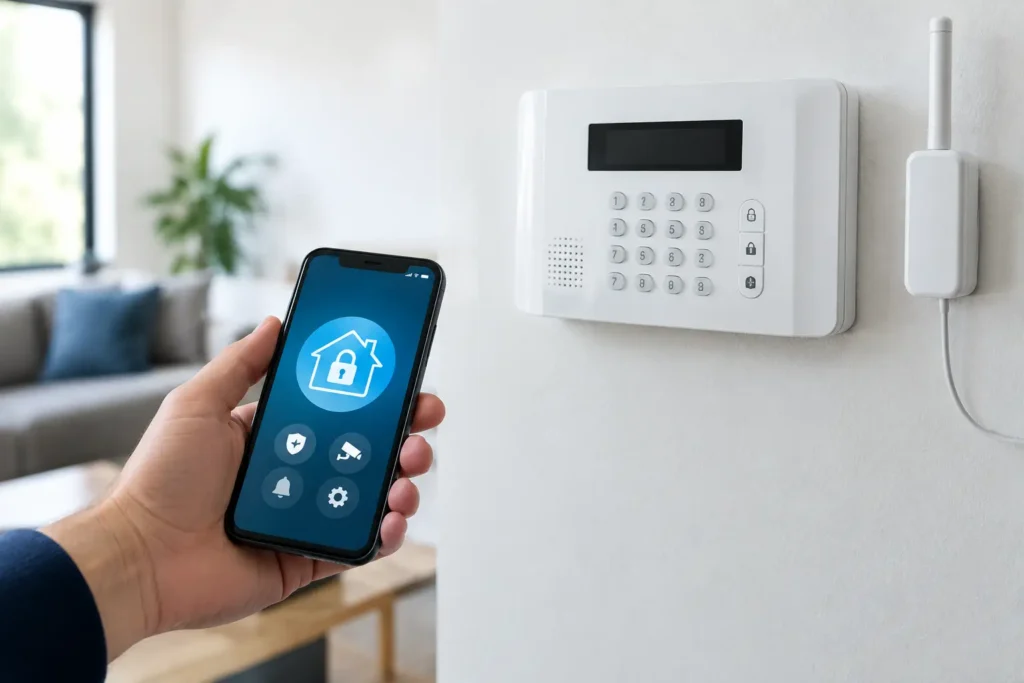
A storm knocks out internet service. A contractor accidentally cuts a phone line. A burglar disables the cable box outside the building. In each case, the alarm may still detect an intrusion, but cellular backup for alarm systems helps ensure the signal can still reach a professional monitoring center.
For Louisiana homeowners and business owners, that connection matters. Security equipment is only as useful as its ability to communicate when something goes wrong. A professionally designed alarm system can detect activity at the door, window, motion sensor, or smoke detector. Cellular communication gives that system an independent path to report an alarm when a primary connection is unavailable.
What Is Cellular Backup for Alarm Systems?
Cellular backup is a communication method built into or added to an alarm panel. Rather than relying only on a traditional phone line, cable connection, or Wi-Fi network, the system uses a cellular signal to send alarm events to the monitoring center.
The concept is similar to a mobile phone, but the alarm communicator is dedicated to security reporting. When an alarm occurs, it sends a signal through the cellular network. If professional monitoring is part of the service plan, trained operators can review the event and follow the established response procedures, such as calling designated contacts or requesting emergency dispatch when appropriate.
Many modern systems use cellular service as the primary method of communication, not just a backup. That approach makes sense because traditional landlines are less common, and home internet connections can be interrupted by equipment failures, power issues, or service outages.
Why Internet-Only Alarm Communication Has Limits
Internet-connected security systems are convenient. They support mobile alerts, remote arming and disarming, camera viewing, and smart home controls. For everyday use, an internet connection provides fast communication and useful features.
But internet service depends on several pieces working at once: the modem, router, wiring, power source, and provider network. If any one of those pieces fails, an internet-only alarm system may lose its ability to report to monitoring.
A Wi-Fi signal is also not the same as a security communication path. Wi-Fi connects devices inside a property, while the internet connection carries information beyond it. Restarting a router may restore service on an ordinary day, but that is not a plan for maintaining protection during an outage or emergency.
Cellular backup provides a separate route. If the internet is down but the alarm panel has power and cellular coverage, the system can still send alarm signals. This separation is one reason professionally installed systems often include cellular communication as part of the overall design.
How Cellular Communication Helps During Common Problems
The strongest reason to choose cellular service is not convenience. It is redundancy. Security systems should account for the moments when normal conditions are no longer normal.
A cut phone or internet line is one example. Burglars sometimes target visible utility equipment because they know it may interrupt communication. A cellular communicator does not depend on that physical line entering the building.
Power loss is another concern, especially during severe weather. A professionally installed alarm system typically includes a backup battery at the control panel. That battery can keep the panel operating for a limited period when utility power fails. With cellular communication available, the system may continue reporting during that outage.
There are limits. Backup batteries do not last forever, and cellular towers can be affected by widespread storms, physical damage, or network congestion. No communication method can promise perfect performance under every disaster condition. Still, having an independent cellular path is a meaningful improvement over relying on one connection alone.
Cellular Backup Is Not the Same as Cell Phone Control
Homeowners sometimes assume that if they can control their alarm from a smartphone, the system already has cellular backup. Those are separate features.
A mobile app allows you to receive notifications, arm or disarm your system, view cameras, and manage connected devices from nearly anywhere. Cellular backup refers specifically to how the alarm panel communicates critical events to the monitoring center. A professional can explain which services are included with a particular system and monitoring plan.
Benefits for Homes, Families, and Vacation Properties
For a family home, cellular communication adds confidence when the house is empty. Whether everyone is at work, school, a ballgame, or on vacation, the system has a way to report an intrusion or life-safety event even if the home internet goes offline.
It is particularly helpful for properties with inconsistent internet service, older homes without a traditional phone line, and seasonal properties that may sit vacant for long stretches. A vacant property can have a water leak, fire, break-in, or power issue without anyone nearby to notice. Prompt alarm reporting gives owners and monitoring professionals a better chance to respond before a situation grows worse.
Cellular-enabled systems can also work well with smart security features. You may receive a notification when a child arrives home, check whether a door was left open, or confirm that the system was armed after leaving. Those everyday conveniences should complement the main purpose: helping protect people and property when an alarm event occurs.
Why Businesses Need an Independent Communication Path
For a business, a communication failure can create more than a security gap. It can affect inventory, employee safety, operations, and accountability. Restaurants, offices, retail stores, warehouses, and service businesses often have valuable equipment or merchandise on site after hours.
Cellular backup can help maintain alarm reporting when the business internet goes down. It also supports the reliability of features such as opening and closing reports, employee access activity, and remote system management when those services are part of the security setup.
A business may need more than a standard residential configuration. The right plan depends on the building layout, number of users, access points, existing cameras, fire protection requirements, and operating hours. For example, a small office with a few exterior doors has different needs than a warehouse with multiple entrances, delivery schedules, and restricted storage areas.
That is why system design matters. Equipment should be selected and installed around the way the property actually operates, not simply added from a one-size-fits-all package.
What to Ask Before Adding Cellular Service
Before selecting a communicator or monitoring plan, ask how the system will report alarms if internet, phone, or power service fails. The answer should be clear and specific to your property.
First, confirm whether cellular communication is the primary path, a backup path, or unavailable with the current panel. Older systems may need an upgrade to support modern cellular networks. Technology changes over time, and an outdated communicator may no longer be compatible with available network service.
Next, ask about backup power. Cellular service cannot help if the alarm panel has lost power and its battery is depleted. Have the installer check the panel battery, the age of the equipment, and the expected performance during an outage.
It also helps to ask how cellular signal strength is tested at the property. Coverage can vary between neighborhoods and even between different areas of the same building. Professional installation includes more than mounting devices on walls. It involves confirming that the system can communicate reliably from its installed location.
Finally, understand the monitoring process. Know who will be contacted, what information is on file, and how to update phone numbers, passcodes, or emergency contacts. A dependable system needs accurate account information behind it.
Professional Installation Makes the Difference
Adding a cellular communicator may sound simple, but the best result comes from proper setup, signal testing, account programming, and a full system check. The panel must be configured to report correctly, and the monitoring center must receive the right event information.
Alarm Center Security has served Louisiana communities since 1985, with more than 10,000 installed systems. That local experience matters when you need help selecting equipment, upgrading an older panel, or getting answers from a real support team after installation.
A qualified security professional can also review the full picture: door and window protection, motion detection, cameras, smoke and carbon monoxide devices, automation features, backup power, and monitoring. Cellular communication is one important layer, but it works best as part of a complete protection plan.
Keep Your Alarm Connection Ready
Once cellular service is in place, do not treat it as set-and-forget equipment. Test your alarm system as recommended by your security provider, notify the monitoring center before any planned test, and replace backup batteries when they reach the end of their service life. If you remodel, change internet providers, add a detached building, or begin using the property differently, schedule a system review.
The right time to ask whether your alarm can communicate during an outage is before the next storm, service interruption, or break-in attempt. A local security professional can evaluate your current setup and recommend a protection plan that keeps your home or business connected when it matters most.