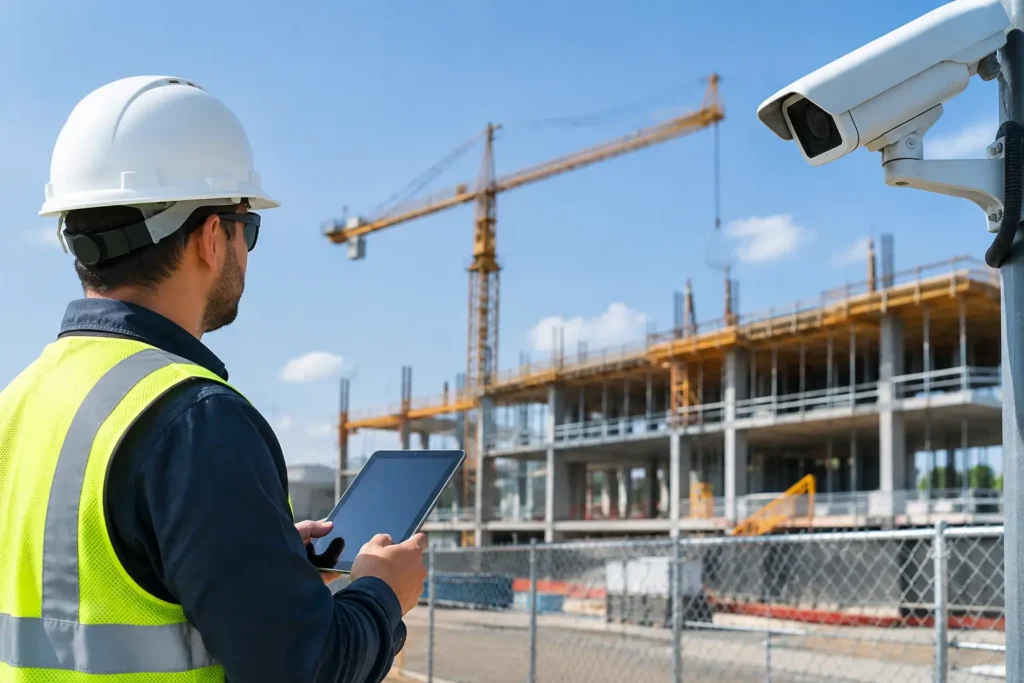
A security system is easiest to live with when it is planned before the walls are closed. Construction security integration brings alarms, cameras, smart controls, life-safety devices, and network planning together during a new build or major renovation. Instead of adding visible equipment and difficult wiring after move-in, property owners can start with a system designed around how the building will actually be used.
For Louisiana homeowners and business owners, that early planning can make a real difference. A family may want to check cameras from work, receive alerts when a child arrives home, and control the thermostat remotely. A business may need to know who opened the building, monitor key entrances, and maintain dependable intrusion protection after hours. The right design begins with those day-to-day needs, not with a one-size-fits-all equipment package.
What Construction Security Integration Includes
New construction is an opportunity to place the foundation for security in the places that matter most. Depending on the property, this may include prewiring for intrusion sensors, security cameras, access control, smoke and carbon monoxide detection, smart locks, automated lighting, and monitored alarm equipment.
Prewiring is often the part people appreciate most after the project is complete. Running cable while framing is open allows devices to be located thoughtfully and can reduce the need for exposed wires, surface-mounted conduit, or later wall repairs. Wired connections can also be a practical choice for cameras and key devices where consistent performance is especially important.
That does not mean every device must be hardwired. Wireless sensors and smart devices have an important role, particularly where design changes occur late in a project or where future expansion is expected. The best approach is often a combination: wire what should be permanent and reliable, then retain the flexibility to add compatible wireless devices as needs change.
Integration also means considering how each system works together. A professionally designed system can allow a property owner to arm or disarm an alarm, review camera activity, receive notifications, manage user codes, and adjust selected smart devices from one convenient app. The exact features depend on the equipment selected and the property’s network, but the goal stays the same: make protection easier to use every day.
Plan Construction Security Integration Before Wiring
Security planning should begin early enough to coordinate with the builder, electrician, low-voltage contractor, and internet provider. Waiting until trim-out can limit device placement and increase costs. A short conversation during the design or framing stage can prevent common frustrations later.
Start by identifying the areas that need protection and visibility. For a home, that may include exterior doors, first-floor windows, the garage, driveway, backyard, and any entry point that is not easily seen from the street. For a commercial property, it may include customer entrances, employee doors, delivery areas, cash-handling locations, inventory rooms, and perimeter gates.
Next, think through how people will move through the space. Camera placement should support useful identification, not simply provide a wide view of a large area. A camera aimed toward an entry point at the right height can be more valuable than one mounted too high to capture faces clearly. Likewise, alarm keypads, touchscreens, and smart locks should be placed where residents or employees can use them naturally without creating confusion at busy doors.
Network planning deserves the same attention. Many connected security and automation features depend on stable internet service and appropriate Wi-Fi coverage. Large homes, metal buildings, detached garages, and properties with thick interior walls may need more than a standard router placed in one corner. Planning equipment locations and cable pathways in advance helps support reliable camera viewing and smart control after occupancy.
Design for the property you will have in five years
A new property should not be designed only for its first day of use. Families grow, businesses add employees, and the way a space is used can change quickly. Leaving room for additional camera runs, future access-control doors, or extra alarm zones can make later upgrades much simpler.
This does not require buying every possible device immediately. A practical plan separates what is essential now from what is smart to prepare for. For example, a homeowner may install monitored intrusion protection and exterior camera wiring at move-in, then add interior cameras or additional automation later. A growing business may begin with monitored doors and a few cameras, while preparing the infrastructure for access control as staffing expands.
Security Choices That Fit Homes and Businesses
Residential and commercial systems share some technology, but they should not be designed the same way. A home system should feel simple enough for every member of the household to use confidently. Convenient arming options, door and window protection, video doorbells, outdoor cameras, and remote alerts can support both safety and daily routines.
Business security must also account for operations. Owners may need separate user codes for employees, reports that show opening and closing activity, controlled access for restricted rooms, and cameras that help document activity around registers, entrances, or loading areas. Monitoring can provide an added layer of protection when the business is closed and no one is available to respond in person.
There are trade-offs in every design. More cameras provide more coverage, but they also require thoughtful viewing, storage, and privacy decisions. Smart automation creates convenience, but it should be configured with clear user permissions and dependable account management. An experienced security professional can explain which features are worth the investment for the property and which can wait.
Why Professional Installation Matters
Security equipment is only as useful as its installation, configuration, and ongoing support. A sensor that is poorly placed, a camera with glare from exterior lighting, or a system users do not understand can leave gaps that are easy to avoid with professional planning.
Professional installation helps ensure devices are mounted securely, programmed correctly, tested before handoff, and explained clearly to the people who will use them. It also creates a single point of contact when questions arise about alerts, account updates, monitoring, or future additions.
For new construction, coordination matters just as much as the equipment itself. The security provider should work from the plans and communicate with the project team so cabling, power needs, equipment locations, and finish details are addressed at the right time. That helps protect the appearance of the finished home or business while supporting the system’s long-term performance.
Alarm Center Security has served Louisiana customers since 1985 and has installed more than 10,000 systems. That local experience matters when a property owner needs a team that can help design the system, install it professionally, provide monitoring, and remain available after move-in.
Prepare for Monitoring and Everyday Use
Monitoring turns an alarm system into more than an on-site notification. When an alarm event occurs, a professional monitoring center can follow established response procedures, providing support when the property is empty or when the owner cannot respond right away. The appropriate setup depends on the system and the customer’s selected service plan, but it adds reassurance that does not rely solely on someone seeing a phone alert.
Before move-in or opening day, decide who needs access and what each person should be able to do. Homeowners may want separate codes for family members, housekeepers, or trusted caregivers. Business owners should avoid shared employee codes whenever possible, since individual credentials make activity easier to review and simpler to manage when staffing changes.
It is also wise to build a short security routine. Confirm that doors and windows are secured, teach users how to arm and disarm the system, review camera notifications, and keep emergency contacts current. These small habits help the system remain useful long after the excitement of construction is over.
A new build represents a major investment in your family, your property, or your business. Before the drywall goes up, ask for a professional security consultation and a free estimate. A thoughtful plan now can give you dependable protection, convenient control, and local support from the first day you use the space.