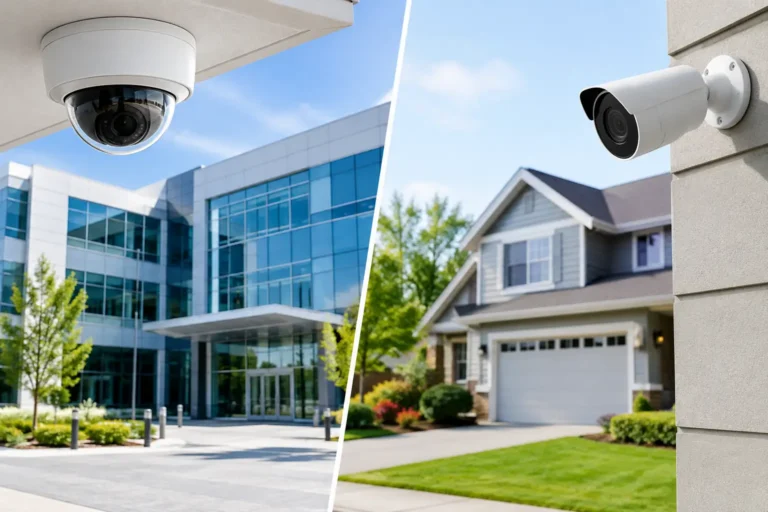
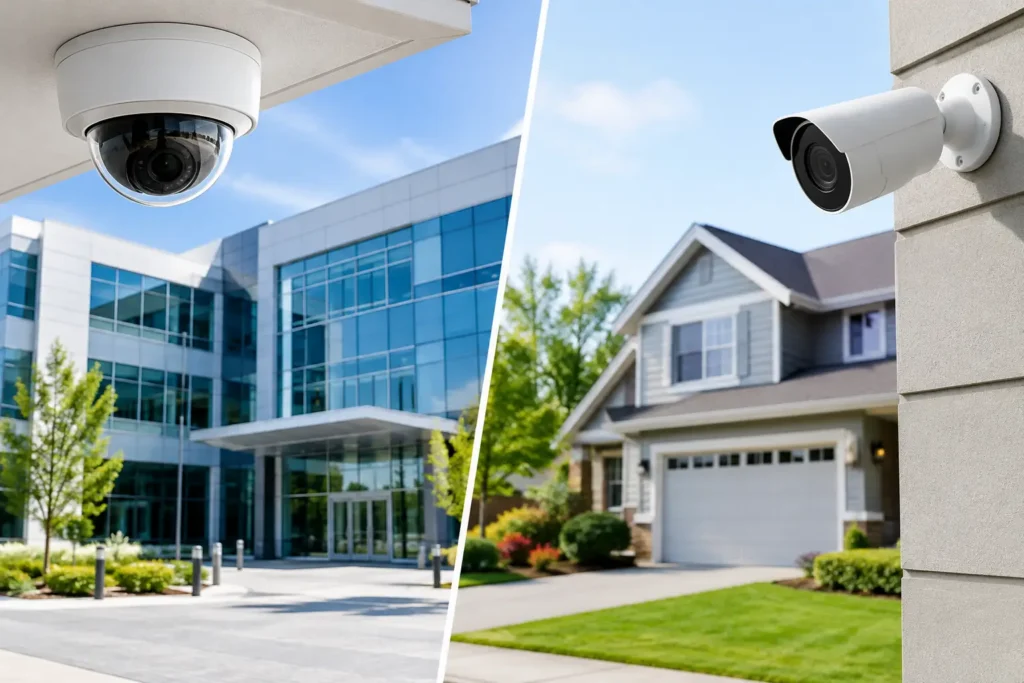
A break-in at a family home and a security event at a business can both be deeply disruptive, but the risks do not look the same. Commercial vs residential security comes down to more than the number of doors or cameras involved. It is about protecting people, property, routines, and the ability to respond when something is not right.
For Louisiana homeowners and business owners, the right system begins with a clear understanding of how a property is used. A professionally designed security plan accounts for daily traffic, vulnerable entry points, who needs access, and what happens after an alarm is triggered.
Commercial vs Residential Security: The Core Difference
Residential security is generally designed around a household’s safety, privacy, and convenience. A home system may protect exterior doors, windows, interior areas, and garages while allowing family members to arm, disarm, and check activity from a phone. It should be easy to use every day, whether someone is leaving for work, putting children to bed, or checking on the house while away.
Commercial security has a wider operational role. It must help protect inventory, equipment, cash, records, employees, customers, and sometimes multiple buildings or suites. Business owners also need visibility into events that happen during opening, closing, deliveries, shift changes, and after-hours visits.
Both systems can include intrusion detection, video surveillance, professional monitoring, and smart control. The difference is in the design. A system that works well for a three-bedroom home may not provide enough control, documentation, or coverage for a restaurant, office, warehouse, or retail location.
What Residential Security Needs to Do Well
At home, security should add confidence without making normal life more complicated. The most effective residential systems protect the perimeter first, alert the household quickly, and give homeowners a practical way to keep an eye on their property from anywhere.
Door and window sensors help identify unauthorized entry. Motion detection can cover key interior spaces, while security cameras can show activity at driveways, front doors, backyards, and other areas where visibility matters. A video doorbell may help a homeowner see visitors or package deliveries before opening the door.
Professional monitoring is especially valuable when a family is asleep, traveling, or unable to answer an alert. Rather than relying on a neighbor to notice a problem, a monitored alarm event is handled through a trained response process. The exact response depends on the alarm type and local procedures, but the goal is consistent: getting help moving when it is needed.
Convenience Matters at Home
Homeowners often choose smart security features because they solve everyday problems as well as emergency ones. Remote arming and disarming can help when someone forgets to set the system. Alerts can notify a parent when a child arrives home, and smart locks or garage controls can reduce the need to hide spare keys.
Still, more technology is not automatically better. The right plan should be simple enough that everyone in the household understands how to use it. Professional installation and clear instruction help prevent false alarms, missed notifications, and systems that are never armed because they feel too difficult to manage.
What Commercial Security Needs to Do Well
Businesses need protection that matches their hours, layout, staff structure, and assets. A small office may require monitored intrusion protection, cameras at entry points, and controlled access for employees. A larger operation may need coverage across multiple entrances, storage rooms, registers, loading areas, and parking lots.
The biggest difference is often accountability. Business owners need to know who entered, when the facility was opened or closed, and whether activity occurred outside normal operating hours. Access control can limit entry to authorized employees and reduce the risk that lost keys, former employees, or unsecured doors create an exposure.
For many commercial properties, cameras serve two purposes. They can deter unwanted activity, and they can provide useful evidence when an incident, dispute, accident, or false claim needs to be reviewed. Camera placement, image quality, lighting, retention settings, and remote viewing all matter. A camera mounted too high, aimed at a bright doorway, or placed without considering the area of concern may not deliver useful footage when it counts.
Managing Openings, Closings, and After-Hours Activity
A business can be most vulnerable when a single employee opens or closes alone. Commercial systems can be configured to support opening and closing procedures, send notifications when the system is armed or disarmed, and flag activity that falls outside expected schedules.
This visibility is useful for more than intrusion concerns. It helps owners manage day-to-day operations when they cannot be on-site, whether they are visiting another location, meeting customers, or taking needed time away. The system should support the business without becoming another task for staff to manage.
Why Professional Design Makes a Difference
Security equipment is only one part of the solution. Placement, programming, installation quality, and ongoing support determine whether a system performs reliably in real conditions. A professional security assessment looks beyond the front door and considers blind spots, construction materials, traffic patterns, lighting, internet connectivity, and the ways people actually use the property.
For a home, that might mean identifying a side gate, detached garage, or rear entry that is not visible from the street. For a business, it could mean separating customer areas from employee-only spaces, protecting a back entrance, or covering a receiving area where valuable items are delivered.
New construction is an ideal time to plan for security, cameras, networking, and smart controls because wiring and equipment locations can be considered before walls are closed. Existing homes and businesses can also be upgraded effectively, but the system should be selected for the building rather than forcing the building to fit a one-size-fits-all package.
Monitoring Is Not the Same as a Notification
A phone alert is helpful, but it relies on the recipient seeing it, understanding it, and being able to act. That may not happen during a meeting, while driving, during a school event, or in the middle of the night. Professional monitoring provides another layer of protection by ensuring alarm signals are received and handled according to an established process.
This does not mean every event requires the same response. Systems can be customized with user codes, contact lists, schedules, and notification preferences. The important point is that a monitored system gives homeowners and business owners support when they may be unavailable.
Choosing the Right Level of Protection
The best security plan is not necessarily the largest or most expensive one. It is the one that addresses the risks a property actually faces and is easy for the people using it to maintain. A family may prioritize perimeter protection, remote control, and video at the front door. A business may place greater emphasis on employee access, cash-handling areas, after-hours alerts, and camera coverage.
Budget is part of the conversation, too. It may make sense to begin with the most critical areas and design the system so cameras, access control, or additional sensors can be added later. That approach can protect what matters now without creating unnecessary complexity.
Alarm Center Security has helped Louisiana customers build personalized residential and commercial systems since 1985. With professional installation, monitoring options, and local support, the focus is on making sure each system fits the property and the people who depend on it.
A security system should give you more than equipment on the wall. It should give your household or business a dependable plan for the moments when attention, time, and a quick response matter most.