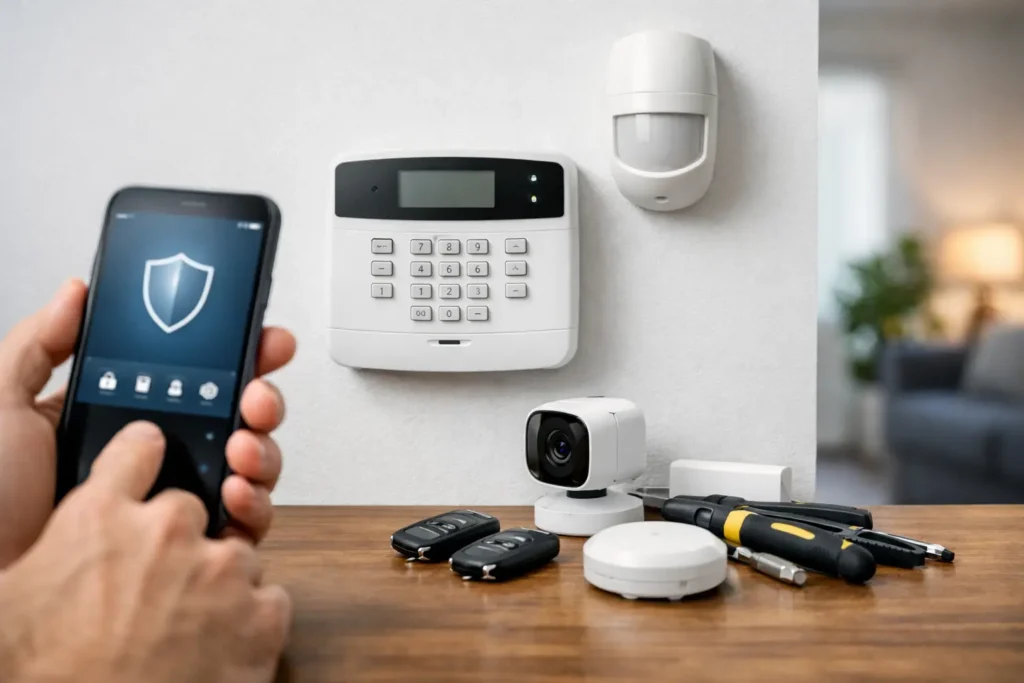
A security system can keep doing its basic job for years while quietly falling behind your needs. Maybe the keypad is difficult to use, the system cannot send alerts to your phone, or a growing business now has more doors and employees to manage. Knowing how to upgrade an alarm system starts with looking beyond the equipment on the wall and considering how you want to protect your property every day.
For Louisiana homeowners and business owners, an upgrade should make security easier to use, easier to manage, and more dependable when it matters. The right solution may be a few targeted additions, such as a smart control panel or camera coverage. In other cases, an older system is better replaced with a professionally designed security platform.
Start With a Professional Security Assessment
Before choosing new devices, take an honest look at your current system. Is it monitored? Does it communicate reliably if the power goes out or a phone line is disrupted? Can you arm and disarm it remotely? Are there areas of the property that were not protected when the system was first installed?
A professional assessment identifies what is still useful and what is creating a gap in protection. Existing door contacts, motion detectors, glass-break sensors, wiring, and sirens may be compatible with newer equipment. Reusing working components can help control the cost of an upgrade. However, compatibility should never be assumed. Older equipment can limit features, create service issues, or fail to communicate with modern monitoring technology.
For a business, the assessment should also account for daily operations. A system that worked for a small office may no longer fit a larger staff, added storage space, new entrances, or changing hours. For a home, consider new routines such as children arriving home after school, frequent travel, package deliveries, or an aging family member living independently.
How to Upgrade an Alarm System With Smart Control
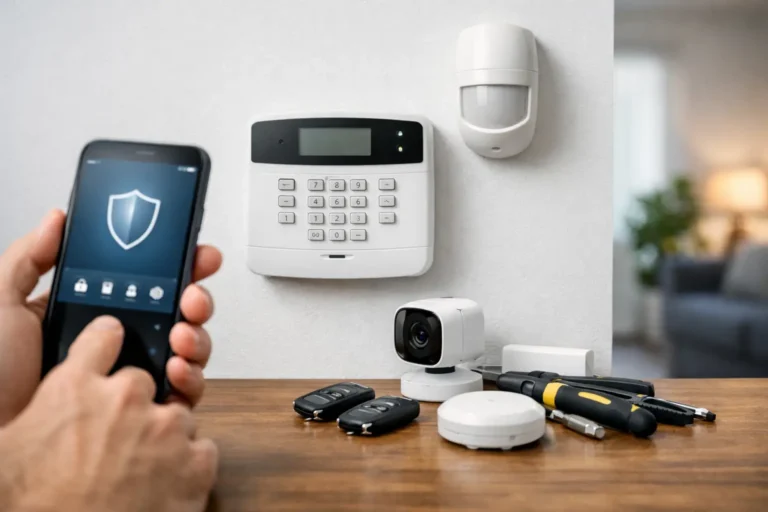
The control panel is the center of your alarm system. If yours is an older, basic keypad, upgrading it can provide a meaningful improvement without making security more complicated. Modern smart security controls can allow authorized users to arm or disarm the system from a mobile app, receive real-time alerts, check system status, and manage user codes without standing at the keypad.
Remote access is about more than convenience. If you leave for work and cannot remember whether you armed the system, you can check before the day gets away from you. If a child arrives home, you can receive a notification. Business owners can see when employees open and close the building, which helps bring more visibility to routine activity.
Smart controls also make it easier to respond to changing circumstances. You may be able to create separate access codes for family members, employees, contractors, or cleaning crews. Rather than sharing one code that stays active indefinitely, you can remove or update access when responsibilities change.
The best setup depends on the property and the people using it. A homeowner may value simple mobile alerts and automation controls. A business may need multiple user permissions, scheduled arming, and opening and closing reports. A security professional can recommend features that fit your routine instead of adding technology you do not need.
Add Cameras Where They Provide Real Value
Alarm systems tell you when a protected door, window, or sensor has been triggered. Security cameras can help you see what is happening before, during, and after an event. That added context can be valuable for homeowners checking a front entry or business owners reviewing activity around a register, loading area, or employee entrance.
Camera placement matters more than the number of cameras. For homes, priority areas often include front doors, driveways, side gates, and back entrances. For businesses, cameras may be most useful at public entrances, cash-handling areas, inventory rooms, receiving doors, and parking areas. Indoor cameras can also help cover common spaces, but they should be placed thoughtfully to respect privacy and meet workplace expectations.
A camera upgrade should include a plan for image quality, night visibility, recording storage, and remote viewing. A low-quality camera pointed at the wrong angle may provide little help after an incident. Professionally installed cameras are positioned and configured for the property, helping avoid common problems such as glare, blind spots, weak wireless signals, and missed recording coverage.
Improve Communication and Monitoring Reliability
Many older alarm systems were built around traditional phone lines. As communication technology has changed, those systems may not provide the speed or reliability you expect. A modern upgrade can use cellular or internet-based communication to send alarm signals to a professional monitoring center.
Professional monitoring provides another layer of protection when you are asleep, away from home, or unable to answer an alert. When an alarm signal is received, trained monitoring professionals can follow the established response process and contact the appropriate emergency responders when needed. This is especially valuable for businesses that may be empty overnight or for families who travel often.
It is also wise to ask about backup power and backup communication. Storms and power interruptions are a fact of life in Louisiana. Your security system should be designed to continue operating during a power outage and maintain a reliable path to monitoring if a primary connection is unavailable. The exact options depend on your equipment, property layout, and monitoring plan, but this is not an area to overlook.
Connect Security With Home Automation
For many households, upgrading an alarm system is also an opportunity to make the home easier to manage. Smart security and automation tools can bring lighting, locks, thermostats, garage doors, and alerts into one convenient system.
For example, you may choose to receive a notification if a door is opened while you are away, lock the door remotely after a visitor leaves, or turn on selected lights when you disarm the system in the evening. These features support security while also simplifying daily routines.
Automation should serve a practical purpose. A long list of connected devices is not necessarily better protection. Start with the situations that matter most to your family, whether that is checking locks before bed, knowing when a door opens, or managing the home during travel. Then build a system that feels easy enough to use every day.
Consider Access Control and Reports for Your Business
Business security upgrades often require more than intrusion detection. If several employees need access, traditional keys can become difficult to track. When keys are copied, lost, or not returned, a business owner may not know who can still enter the building.
Access control can provide a clearer way to manage entry. Depending on the setup, you can assign individual credentials, limit access by time or area, and review activity reports. This can be useful for offices, warehouses, medical practices, retail stores, and other properties where managers need better oversight of doors and employee access.
Opening and closing reports can also help business owners confirm that the system was armed at the end of the day and identify unusual activity. These reports do not replace sound management practices, but they provide useful information that a basic alarm keypad cannot deliver.
Do Not Treat Installation as an Afterthought
Security equipment is only as reliable as its design, installation, and ongoing support. A do-it-yourself device may work well for a simple need, but a professionally installed system offers advantages when you need whole-property coverage, dependable monitoring, integrated cameras, or support after installation.
Professional installation includes more than mounting devices. It involves selecting appropriate sensor locations, testing communication paths, confirming that users understand the system, and making sure alerts and monitoring procedures are set up correctly. It also gives you someone to call if your needs change or a device needs attention.
Alarm Center Security has helped protect Louisiana homes and businesses since 1985, with more than 10,000 installed systems. A local security partner can provide the benefit of personalized system design while remaining available for service, troubleshooting, and future upgrades.
Plan the Upgrade Around Your Priorities
An alarm system upgrade does not have to happen all at once. If budget is a concern, begin with the greatest risk or the feature that will have the biggest daily benefit. You might first update communication and monitoring, then add smart controls, cameras, or access management as needs and budget allow.
Before approving any upgrade, ask what equipment can be retained, what features require ongoing service, how alerts will be managed, and what support is available after installation. A clear plan helps you avoid paying for features that do not fit your property while making sure critical security needs are covered.
The best next step is a conversation about how your property is used, who needs access, and where you want more confidence. A well-designed upgrade should leave you with less to manage, clearer visibility, and the reassurance that help is ready when you need it.