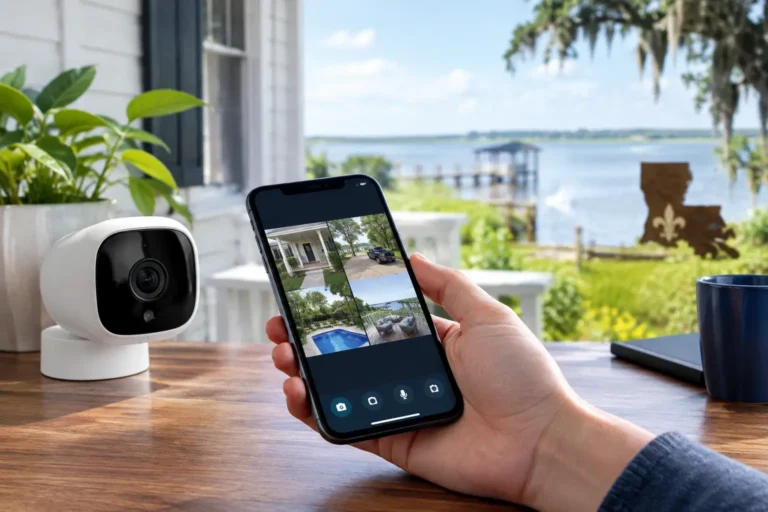
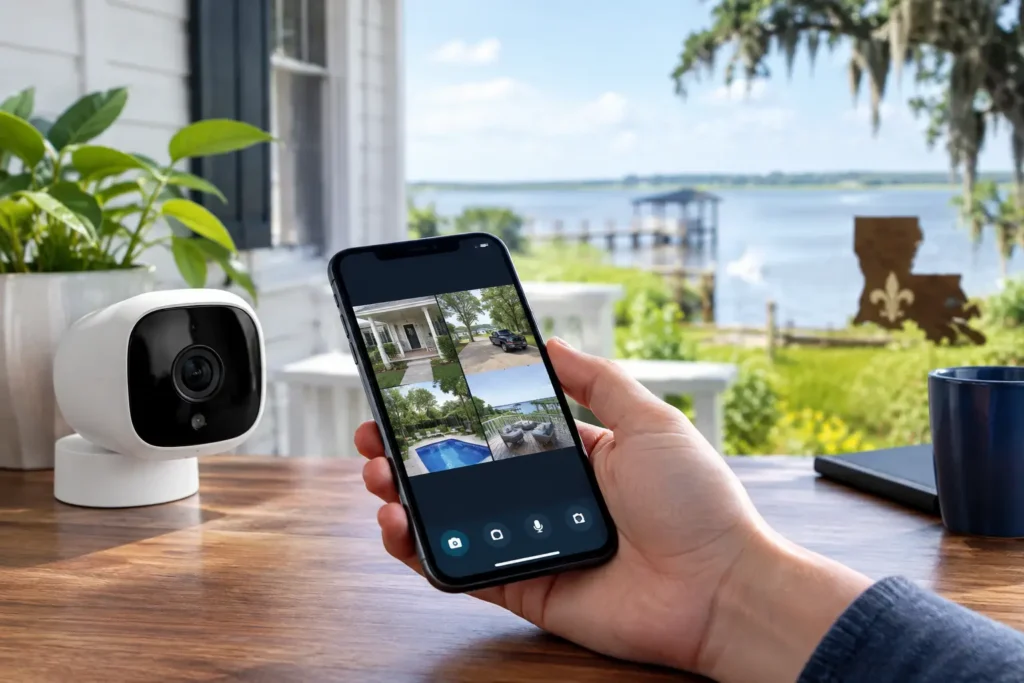
A missed motion alert should not leave you wondering what happened at your property. A properly planned remote video access setup lets you view live and recorded camera footage from your phone, receive useful notifications, and respond quickly whether you are at work, traveling, or simply in another part of town.
For Louisiana homeowners and business owners, remote access is about more than having another app on a phone. It is about knowing that the cameras, network, alerts, and people who use the system all work together when it matters. The best results come from professional planning rather than choosing cameras first and trying to solve coverage gaps later.
What a remote video access setup should do
Remote camera access allows authorized users to securely view video through a mobile app or web portal. Depending on the system, you may be able to watch live footage, review recorded clips, receive motion notifications, save important events, and share access with family members, managers, or other trusted users.
The right setup should make daily security easier, not create a constant stream of unnecessary alerts. A homeowner may want a notification when someone approaches the front door or enters the driveway. A business owner may need to verify an opening, check a delivery, or review activity after closing. Those needs call for different camera locations, recording options, and user permissions.
Reliable remote access also requires a plan for the moments when you need it most. Strong equipment, sound installation, dependable internet coverage, and clear account management all play a role. If a camera is aimed poorly, placed outside Wi-Fi range, or configured to send alerts for every passing car, remote viewing will quickly become frustrating.
Start with the decisions that shape your system
Before selecting equipment, consider what you need to see and what you need to know. Start with the property itself. Entry doors, driveways, gates, garages, backyards, loading areas, parking lots, cash-handling spaces, and inventory rooms all present different visibility challenges.
For a residence, exterior cameras often focus on the front entry, driveway, and backyard access points. A doorbell camera can add a useful view of visitors and packages, while a professionally positioned outdoor camera can cover wider activity around the property. Indoor cameras may be appropriate for select areas, but they should be placed with privacy and household routines in mind.
For a business, the priority may be broader: entrances, employee-only areas, customer-facing spaces, receiving doors, and exterior approaches. Video can support daily operations by helping owners verify arrivals, deliveries, and opening or closing activity. It can also provide valuable context when an alarm event or unexpected access issue occurs.
It helps to answer three questions before installation: What events should trigger an alert? Who needs access to live or recorded video? How long should important footage be available? These answers guide camera selection and recording design more effectively than a one-size-fits-all package.
Choose coverage, not just camera count
More cameras do not automatically mean better protection. A single well-placed camera can be more valuable than several cameras pointed at open areas with little detail. The goal is to identify people, vehicles, and activity at the points that matter most.
Professional installers consider mounting height, lighting changes, glare, landscaping, eaves, and the angle of approach to a door or driveway. In Louisiana, outdoor equipment also needs to be selected and installed with heat, humidity, rain, and storm conditions in mind. A camera that looks clear in a daytime test may need additional planning for nighttime lighting, reflections, or heavy weather.
Build a dependable connection for remote viewing
Remote video access depends on your internet connection, but the strongest plan does not rely on luck with Wi-Fi. Cameras need sufficient signal strength and upload capacity to transmit video reliably. Larger homes, metal buildings, detached garages, and commercial spaces often have coverage areas where a standard router cannot provide a dependable connection.
Wired camera connections are often a strong option for fixed locations, particularly where consistent performance is essential. Wi-Fi cameras can be practical in the right locations, especially when running cable is difficult, but they should be tested where they will actually be installed. A good signal near the router does not guarantee a good signal at the far corner of a building or under a covered patio.
Your internet service also affects what you can expect from remote viewing. Live video and cloud recording use upload bandwidth. If a business has several cameras, video calls, point-of-sale systems, and guest Wi-Fi sharing the same connection, the network should be evaluated before adding more video traffic. A professional can help identify whether a network adjustment, wired connection, or equipment upgrade is appropriate.
Configure alerts that are useful, not constant
The most useful alerts are specific enough to prompt action. Motion detection can often be refined by setting activity zones, selecting schedules, and adjusting sensitivity. This helps reduce notifications from street traffic, moving trees, pets, or routine activity outside the area you care about.
For example, a homeowner may want an alert when a person reaches the porch but not every time a vehicle passes on the street. A manager may want after-hours notifications for activity at a rear entrance while avoiding alerts during scheduled deliveries. The details depend on the property and the normal rhythm of activity there.
Be thoughtful about who receives alerts. Giving every family member or employee every notification can create confusion and alert fatigue. Instead, assign access based on responsibility. A business owner may have full system access, while a manager receives event alerts during certain hours and other staff members only have live-view permissions for limited cameras.
Protect the account behind the cameras
Remote access is only as secure as the account used to reach it. Use a unique, strong password and turn on multi-factor authentication when available. Avoid sharing one login with everyone who needs access. Individual user accounts make it easier to control permissions and remove access promptly when an employee leaves or a household situation changes.
Review users regularly. This small task is especially important for businesses with staff turnover, rental properties, and homes that have had contractors or caregivers who no longer need access. A professional security provider can also help you understand account settings and reset access when needed, without leaving you to troubleshoot alone.
Connect video with your wider security system
Cameras are most effective when they provide context for security events. When remote video is integrated with an alarm system, you can check the scene when an alert occurs instead of trying to interpret a notification with limited information. For many property owners, this makes remote access more practical and reassuring.
Home automation can add another layer of convenience. You may be able to confirm that a door is secure, check a camera after receiving an alert, or manage certain connected devices from the same smart security platform. Businesses can benefit from a coordinated approach as well, combining video visibility with intrusion protection, access awareness, and opening and closing reports.
Integration should always serve a real purpose. Adding features that no one uses can make an app harder to manage. A personalized design focuses on the tools that fit your routine and gives you straightforward control when you are away from the property.
Why professional installation makes a difference
A remote video access setup is not finished when a camera powers on. It needs proper placement, secure mounting, reliable network connection, app configuration, alert testing, and a clear explanation of how to use it. Those steps are where many do-it-yourself systems fall short.
Professional installation also gives you a local point of contact when your needs change. You may add a gate, expand a business location, remodel a home, or decide that a camera needs a better viewing angle after living with the system for a few weeks. Working with a provider that understands your property and is available for service makes those adjustments easier.
Alarm Center Security has helped protect Louisiana properties since 1985, with customized security plans and professional support designed around how local families and businesses actually operate. The goal is not to sell more technology than you need. It is to provide clear visibility and dependable protection that you can use with confidence.
When you are ready to plan camera coverage, remote access, and alerts around your property, start with a conversation about what you want to protect and how you want to stay informed. The right system should give you a clearer view of what matters, even when you are miles away.