A key passed from one employee to another can become an unanswered security question. Who still has it? Was it copied? Will it be returned after a job change? This commercial access control guide explains how Louisiana businesses can replace those uncertainties with clear control over who enters their facility, when they enter, and which areas they can access.
For a small office, retail store, warehouse, medical practice, or multi-tenant property, access control is more than an electronic lock. It is a practical way to protect people, inventory, records, equipment, and daily operations without making the workday harder for trusted employees.
What commercial access control does for your business
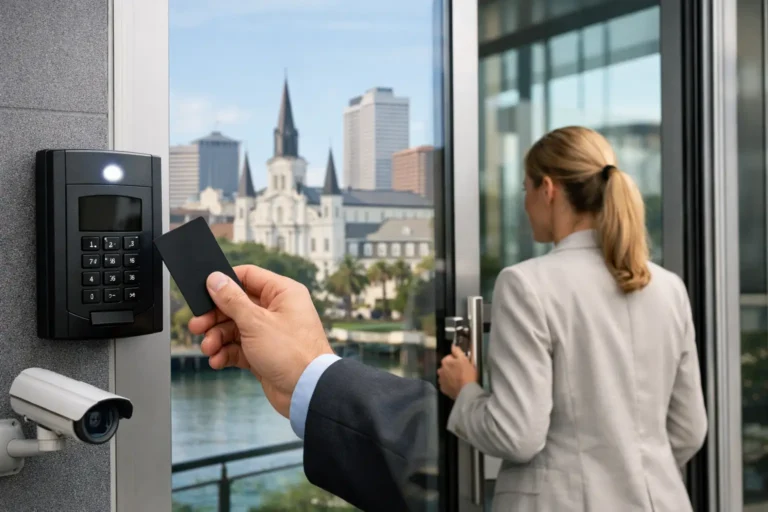
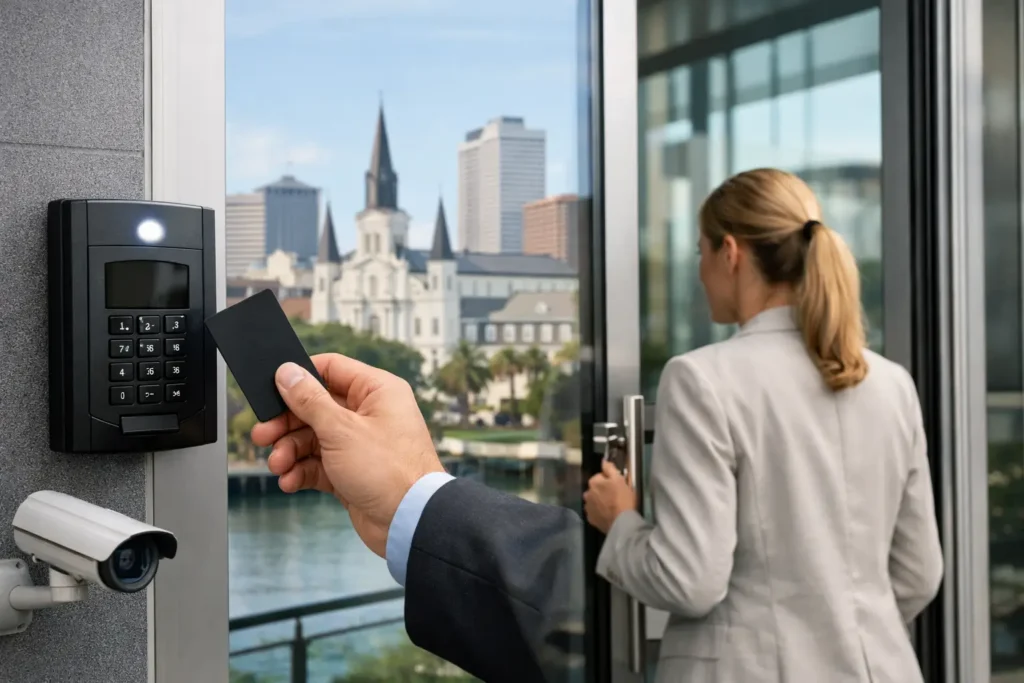
Commercial access control uses credentials and electronic door hardware to determine who may open a secured door. Depending on the system you choose, employees may use a key card, fob, mobile credential, PIN code, or biometric identifier. When a credential is presented, the system checks the person’s permissions before releasing the lock.
Traditional keys still have a role in many businesses, particularly as a backup. Their limitation is accountability. When a key is lost or an employee leaves, you may need to collect keys, change locks, or accept the risk that an old key remains in circulation. With managed access control, a credential can usually be disabled quickly without replacing the door hardware.
The operational benefits are just as meaningful as the security benefits. Owners and managers can assign different access schedules for opening staff, office personnel, vendors, cleaning crews, and managers. They can review door activity when a question arises and receive alerts for events such as a door being propped open or accessed after hours.
That does not mean every business needs a complex system on every door. The right design depends on your building, staffing, operating hours, risk level, and budget. A locally designed plan should solve real problems rather than add technology for its own sake.
Start with the doors and risks that matter most
Before choosing readers, credentials, or software, walk through your property as if you were arriving at different times of day. Consider the main entrance, employee entrances, rear doors, storage rooms, offices, server closets, medication cabinets, gates, and areas where cash or valuable inventory is handled.
Ask a few practical questions. Which doors are unlocked because people need frequent access? Which doors should only managers open? Do employees arrive before a supervisor? Does a delivery driver need access to a receiving area but not the rest of the building? Are there former employee keys that may still be unaccounted for?
A good access control plan often begins with the highest-priority openings. For example, a retail business may secure the back door, stockroom, and manager’s office first. A contractor may begin with the warehouse entrance and tool cage. A professional office may focus on the employee entrance and records room. The system can expand later as needs change.
Separate convenience from permission
One common mistake is giving every employee the same level of access simply because it is easier at the start. That can create unnecessary exposure. Instead, organize permissions around job responsibilities.
Front-office staff may need weekday access to the main entrance and work area. A manager may need access to all secured doors, including after-hours entry. A cleaning provider may only need access on designated evenings. This approach supports normal operations while reducing the number of people who can enter sensitive areas.
Schedules matter as much as doors. An employee credential that works only during scheduled shifts offers more control than a credential that works at any hour. Exceptions can be made for trusted staff, but they should be intentional.
Choose credentials your team will actually use
The best credential is one your employees can use consistently and your managers can administer confidently. Key fobs and access cards are familiar, durable options for many businesses. They work well for teams that prefer a simple tap or swipe at the door.
Mobile credentials can be convenient for employees who already carry a smartphone. They may reduce the need to issue physical cards and can be helpful for managers, maintenance teams, or properties with changing users. Still, mobile access depends on employees keeping phones charged and following your company’s phone-use policies.
PIN codes can be useful for limited applications, but shared codes are harder to track. If several people know the same code, the activity record may show that the code was used without identifying the individual. For stronger accountability, individual credentials are usually the better choice.
Biometric access can provide a higher level of identity verification, but it is not the right fit for every location. It may cost more, require careful privacy considerations, and create challenges in environments where hands are dirty, gloved, or frequently wet. A professional site assessment can help determine whether the added complexity is worthwhile.
Plan for the hardware behind each door
Not all doors are built the same way. A glass storefront door, solid wood office door, metal warehouse door, exterior gate, and fire-rated stairwell door require different hardware and installation methods. This is where professional design matters.
An access control system may include card readers, electric strikes, magnetic locks, door position switches, request-to-exit devices, power supplies, controllers, and backup power. The equipment has to work with the door, the building’s power, life-safety requirements, and the way people move through the facility.
For example, a door that must allow people to exit quickly during an emergency cannot be treated like a simple locked storage door. Fire codes and life-safety requirements are central to the design. A qualified installer should coordinate the access control equipment so security does not interfere with safe egress.
Power outages are another consideration. Some doors are designed to unlock when power is lost, while others remain secure. Neither option is automatically better. The decision depends on the purpose of the door, emergency requirements, and how the business needs to operate during an outage.
Make activity reports useful, not overwhelming
Access history can answer questions that keys cannot. It can show when a particular credential opened a door, when access was denied, or whether a door was left open longer than expected. For business owners, that visibility can be valuable after a late delivery, an employee concern, or an alarm event.
However, reports only help when someone knows what to do with them. Avoid creating a flood of alerts that no one has time to review. Start with meaningful notifications, such as after-hours access, forced-door events, held-open doors, or repeated denied attempts.
Opening and closing reports can also support daily management. If your business has established procedures for who opens or secures the building, a report can provide confirmation without requiring a manager to be on site. It is a practical layer of accountability, not a replacement for good hiring, training, and supervision.
Pair access control with intrusion alarms and cameras
Access control is strongest when it works as part of a complete business security plan. An intrusion alarm can help protect the building when it is closed. Security cameras can provide visual context around entrances, receiving areas, and other active locations.
If an access event occurs at an unusual time, video may help a manager understand what happened. If a door is forced open, an alarm can create an immediate response path. The goal is not to monitor every employee constantly. It is to give your business useful information during the moments when it matters most.
Build a process for employee changes
Access control delivers its greatest value when your business maintains it. Assign someone to add new users, remove departing employees, recover cards or fobs, and review permissions when job responsibilities change. For small businesses, this may be an owner or office manager. Larger organizations may assign the work to human resources, operations, or a facilities manager.
Create a simple offboarding checklist that includes disabling credentials immediately when employment ends. If an employee changes roles, update access privileges rather than issuing a new credential with broad permissions. Review vendor and contractor access regularly, especially if they only need temporary entry.
It is also wise to keep a record of who has administrative authority over the system. A security platform should not become inaccessible because only one former employee knew the login or had the master credential.
What to expect from a professional installation
A professionally installed system begins with an on-site review of your doors, current security measures, electrical needs, and operational goals. The installer should ask how your business opens, closes, receives deliveries, handles visitors, and manages employee turnover. Those details shape the design.
Installation should include properly selected hardware, clean wiring, door testing, user setup, and training for the people who will manage the system. Your team should understand how to add or remove users, respond to common door issues, and request support when needed.
For Louisiana businesses, local service matters after installation as much as it does on installation day. Alarm Center Security has served local customers since 1985, and a responsive support team can help when staffing changes, a door needs adjustment, or your facility grows.
A well-planned system does not have to start large. Begin with the doors that create the greatest concern, choose credentials your team will use, and make sure you have a clear process for managing access. The result is a workplace that is easier to run, more accountable, and better protected every day.