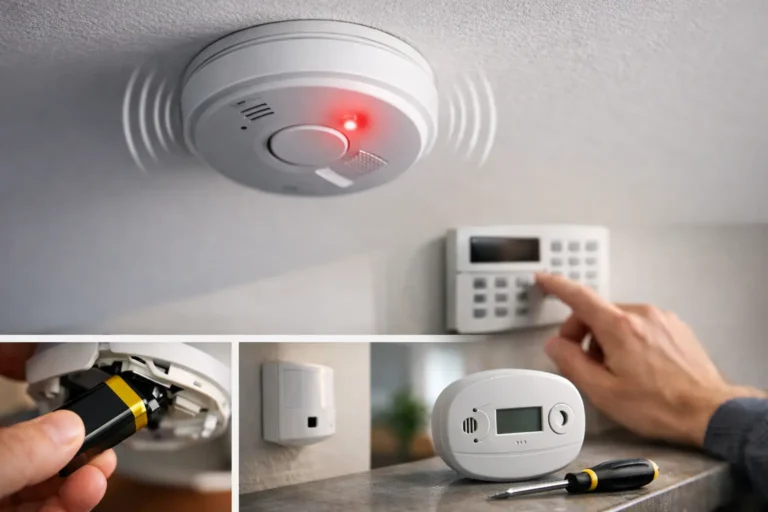
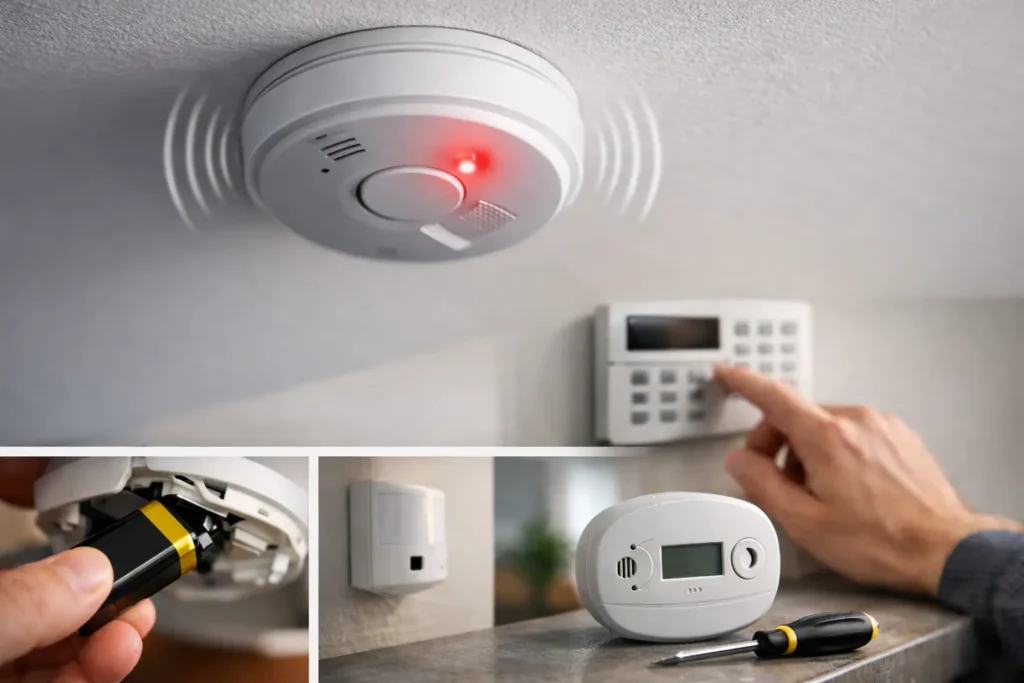
A beep at 2:00 a.m. can make a quiet house feel a lot less secure. If you are asking, “why is my alarm beeping,” the sound is usually your system trying to get your attention – not necessarily signaling an active break-in. The key is to identify which device is making the noise, what the beep pattern sounds like, and whether any alarm message appears on your keypad or app.
A professional security system is designed to report problems before they become bigger ones. A low battery, an open door, a communication issue, or a sensor that needs service can all create an audible alert. Knowing the difference helps you respond calmly while keeping your home or business protected.
First, determine what is actually beeping
Not every chirp in your home comes from the security system. A smoke detector, carbon monoxide detector, appliance, backup battery, or even a vehicle key fob can produce a similar sound. Before changing settings at the alarm keypad, pause and locate the sound as closely as possible.
A security keypad often displays a message such as “low battery,” “trouble,” “fault,” “check,” or the name or number of a device. The beep may occur when you arm or disarm the system, at a regular interval, or continuously. Those details matter. A brief chirp every few minutes points to a different issue than a loud, continuous alarm.
If a smoke or carbon monoxide detector is sounding a full alarm, treat it as a possible emergency. Leave the building if there is smoke, fire, a burning smell, dizziness, headache, or any reason to suspect carbon monoxide. Call 911 from a safe location. Do not assume a life-safety alarm is only a low-battery notification.
Why is my alarm beeping? Common security system causes
For a burglary or intrusion alarm, beeping usually falls into a few familiar categories. Most can be identified without taking apart equipment or disabling the system.
A low backup battery
Your alarm panel has a backup battery that keeps the system operating during a power outage. Like any battery, it eventually wears down. When the panel detects that the battery can no longer hold a dependable charge, it may beep and display a low-battery message.
This issue often appears after a storm or power interruption, especially if the battery was already nearing the end of its useful life. Restoring power may allow the battery to recharge, but an older battery may still need replacement. The system can remain functional, but it may not have the same level of backup protection during another outage until the battery is serviced.
Wireless door, window, motion, and glass-break sensors also use batteries. If the keypad identifies a specific zone or sensor, make a note of that location. Avoid removing the sensor or leaving the opening unprotected while you wait for service.
A door, window, or protected area is open
A beep when you try to arm your system may mean a protected opening is not fully closed. A door that looks shut can still have a latch that is not engaged, and a window sensor may be affected by a loose frame or shifted magnet.
Check the specific door or window identified by the keypad. Close it firmly, then try again. If the message remains, do not force, tape, or bypass the sensor as a permanent fix. A misaligned contact may need a small adjustment, particularly after home repairs, seasonal movement, or a hard storm.
For businesses, this can also happen at closing time when a rear door, stockroom door, roll-up door, or restricted interior area has been left open. Taking a minute to confirm the exact point of entry can prevent a false alarm and keep the property properly secured overnight.
A recent alarm or tamper condition
Your system may beep after an alarm event to let you know it has alarm history that needs review. This can happen after a sensor is triggered, a panic button is pressed, or a device cover is opened. The keypad may show an event memory even after the siren has stopped.
Do not clear or ignore an alarm message until you understand what caused it. Look for signs of forced entry, damaged sensors, or an accidental activation. If your system is professionally monitored and you are unsure whether an alarm signal was received, contact your monitoring provider so the event can be reviewed.
Tamper alerts deserve attention as well. They can result from a loose detector cover, a panel door that is not fully closed, or equipment that has been bumped during cleaning, painting, moving furniture, or renovation work. A tamper message is not always an emergency, but it should not be left unresolved.
A loss of power or communication
A security system may beep when it loses AC power, cellular service, internet communication, or its connection to a monitoring center. In Louisiana, severe weather can make these notices more common. A short interruption may resolve on its own, while a continued trouble message may need troubleshooting.
Check whether other lights and appliances have power. If your home has lost electricity, avoid repeatedly arming and disarming the system. Let the backup battery carry the system until utility power returns. If power is on but the keypad still reports a problem, the issue could involve the panel, transformer, network equipment, or communication path.
Modern systems may use more than one method to communicate. That added protection is valuable, but it also means a trouble alert can have several possible causes. A local security professional can identify the source without guessing or compromising your coverage.
A scheduled reminder or user setting
Some systems are set to provide entry delay tones, exit beeps, chimes when a door opens, or reminders to arm at a certain time. These sounds are normal when you expect them, but they can become confusing after a new user is added, settings are changed, or a business changes its opening and closing routine.
A door chime, for example, is useful for many families and storefronts because it lets you know when someone enters. It is different from a trouble beep. The keypad display and timing will usually tell the story: a chime occurs when a protected door opens, while a trouble alert generally continues until the condition is addressed or acknowledged.
What you can safely do before calling for service
Start with the keypad. Read every message, including zone names or numbers, and write down the time the beeping began. If you use a mobile security app, check for matching notifications. Confirm that doors and windows are closed, and look for any recent power outage, construction work, storm damage, or equipment that may have been moved.
You can acknowledge a keypad trouble tone according to your system’s normal instructions, but do not use that step as a substitute for correcting the underlying issue. Silencing the sound may make the house quieter, yet the low battery, open zone, or communication problem can still remain.
Avoid unplugging the panel, removing wires, or taking batteries out simply to stop the beeping. That can create additional trouble conditions and may reduce protection when you need it most. The same advice applies to smoke and carbon monoxide devices: do not disable a life-safety detector unless you have confirmed the reason for the alert and have a safe plan for replacement or service.
When to contact your security provider
Call for support when the keypad shows a persistent trouble message, a device battery needs replacement, a sensor will not restore after you close the opening, or you are not certain whether the system is communicating with monitoring. Contact support immediately if you see damaged equipment, repeated false alarms, or a message that follows a storm or electrical event.
For a monitored business, a prompt call is especially worthwhile. A small trouble condition can affect opening and closing reports, access visibility, and after-hours protection. It is better to correct it during normal operations than discover an issue after a break-in, power outage, or false dispatch.
Alarm Center Security has served Louisiana families and businesses since 1985, and our team understands that an unexpected beep is more than an inconvenience. It is a question about whether your property is protected. Professional service can identify the cause, replace worn components, test communication, and help ensure your system is ready when it matters.
Your alarm is meant to speak up when something needs attention. Read the message, protect yourself first if there is any fire or carbon monoxide concern, and ask for help when the signal is unclear. A quick response today can preserve the peace of mind your security system was installed to provide.