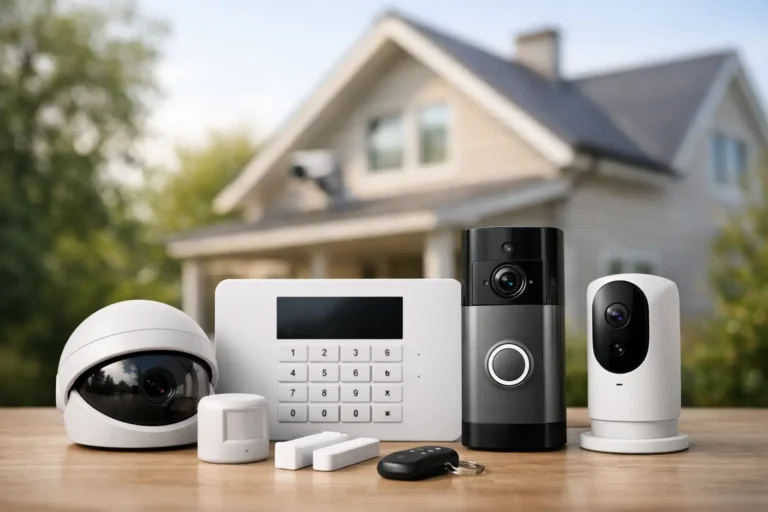
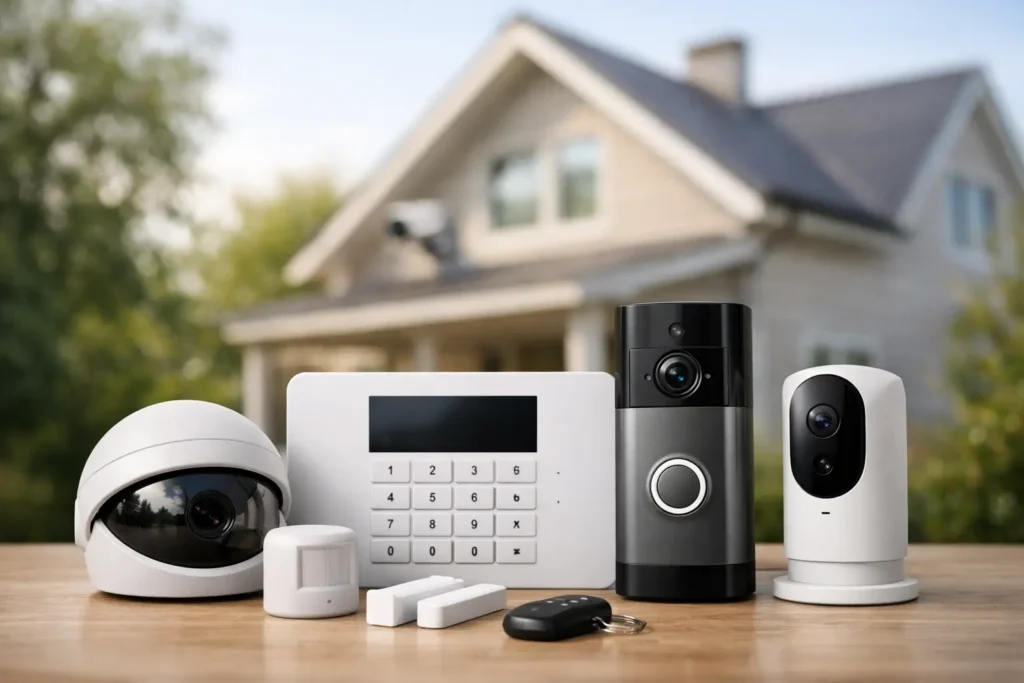
A cheap camera on the porch can record a problem. The right security system can help prevent one, alert the right people fast, and make daily life easier at the same time. That is why a solid home security system buying guide should look beyond gadgets and focus on how your home actually works, who lives there, and what kind of support you want when something goes wrong.
For most homeowners, the real decision is not whether security matters. It is how much protection makes sense, which features are worth paying for, and whether you want to manage everything yourself or work with a professional team. The best choice usually comes down to your layout, your routines, and your comfort level with technology.
What a home security system should actually do
A good system does more than sound an alarm. It should help you know what is happening at your home, whether you are asleep upstairs, at work, or out of town. That usually means a mix of intrusion detection, surveillance, mobile access, and reliable monitoring.
Door and window sensors are the foundation for many systems because they watch the most common entry points. Motion detectors add another layer inside the home, especially in larger living areas, hallways, and spots that would be hard to reach without being noticed. Cameras can help verify activity, while smart alerts let you check in without guessing.
If you want daily convenience too, home automation may be part of the equation. Many homeowners like being able to arm or disarm from a phone, lock doors remotely, adjust lights, or receive alerts when children get home from school. Those features are not just nice extras. In many homes, they make the system easier to use consistently.
Start with your home, not the equipment
The most useful home security system buying guide begins with a simple question: what are you trying to protect against? A small home in a quiet neighborhood may need something different than a larger property with multiple entry points, detached buildings, or frequent travel.
Think about the parts of your property that create the most concern. Maybe it is the back door that is hidden from the street, first-floor windows, a garage entry, or a side gate leading to the yard. If you have kids, elderly family members, or pets, that changes the plan too. Motion detectors need the right placement, cameras need clear views, and smart access tools can be especially useful when several people come and go throughout the day.
This is where custom design matters. A package that looks affordable online may leave gaps in coverage or include devices you do not really need. A professional walkthrough often reveals practical details that generic kits miss, such as weak sight lines, poor camera angles, tricky door placements, or internet limitations that affect device performance.
Professional monitoring vs. self-monitoring
One of the biggest decisions is how alerts are handled. With self-monitoring, notifications go directly to your phone. That works for some homeowners, especially if they are comfortable checking alerts at all hours and responding quickly. The trade-off is obvious – if you miss the alert, silence your phone, lose service, or cannot respond, the system cannot do much on its own.
Professional monitoring adds a layer of support that many families prefer. When an alarm is triggered, trained operators can review the signal and take the next step based on the situation. That can bring real peace of mind, especially for households with children, older adults, second homes, or busy work schedules.
The right choice depends on your routine and risk tolerance. If you travel often or simply do not want the full burden of handling emergencies yourself, monitored service is usually worth serious consideration.
Cameras matter, but placement matters more
Many buyers start with cameras because they are visible and easy to understand. Cameras are valuable, but they work best as part of a complete system. A camera can show you what happened. It may not stop someone from trying a door, and it does not replace sensors, alarms, or monitoring.
When comparing camera options, focus on image quality, nighttime visibility, motion alerts, storage, and app usability. Also think about where cameras should go. A front door camera is common, but side entrances, driveways, garages, and backyard access points may be just as important depending on your property.
Indoor cameras can help with pets, deliveries, or checking on loved ones, but not every family wants cameras inside private living spaces. That is a personal decision. In many cases, exterior coverage plus strong intrusion detection gives homeowners the balance they want.
Smart home features: useful when they serve a purpose
Smart security features can be very practical when they solve real problems. Remote arming helps if someone forgets to set the system before leaving. Smart locks are useful for family members, service providers, or rental situations where access changes often. Lighting control can make a home look occupied and improve safety when arriving after dark.
Still, more features do not always mean a better system. If the app is hard to use or the setup is overly complicated, people stop using it. The best smart tools are the ones that fit naturally into your routine and work reliably without constant attention.
That is another reason professional installation has value. Devices need to communicate properly, sensors need correct placement, and mobile controls need to be set up in a way that makes sense for your household. A system should feel simple once it is in place.
Wired, wireless, and hybrid systems
Homeowners often ask whether wired or wireless equipment is better. The honest answer is that it depends on the home. Wireless systems are popular because installation is generally less invasive and they work well for many existing homes. They can also make upgrades easier over time.
Wired systems can be a strong fit in some new construction projects or major renovations, where planning happens early and access to walls is easier. They may offer advantages in certain layouts, but they are not automatically the best choice for every property.
In many cases, a hybrid setup makes the most sense. The goal is not to chase a category. It is to build a dependable system that fits the structure of the home and the way the homeowner lives.
Look closely at installation and service
This is where many buying decisions are won or lost. Equipment matters, but service matters just as much over the life of the system. Ask who installs the system, who services it later, and who you call when you need help. If your keypad has an issue, your app needs to be updated, or you want to add a camera later, support should be easy to reach.
National providers may offer broad name recognition, but local service often means faster response, more personalized recommendations, and a team that understands the homes and neighborhoods they serve. For Louisiana homeowners, that can be especially valuable when weather, power issues, and property layouts create challenges that are better handled by experienced local professionals.
Alarm Center Security has served Louisiana since 1985, and that kind of long-term local experience matters when you want a system designed around your property instead of a one-size-fits-all package.
Questions worth asking before you buy
Before signing anything, ask what is included in the system, what happens during an alarm event, and how future upgrades are handled. You should also understand the monitoring terms, warranty coverage, service process, and whether the system can grow with your needs.
If you are planning a move, renovation, or new construction project, mention that early. Security planning is easier and often more cost-effective when it is built into the process instead of added as an afterthought. The same goes for home automation. If you know you want remote control of locks, lights, thermostats, or garage access, it is better to design for that from the beginning.
A good provider should answer your questions clearly, explain trade-offs honestly, and recommend a system that fits your priorities rather than pushing the biggest package.
How to tell when a quote is actually a good value
The lowest upfront price is not always the best deal. A less expensive setup may leave blind spots, rely too heavily on DIY configuration, or come with limited support when something fails. On the other hand, paying for features you will never use does not help either.
Good value means you are getting dependable equipment, thoughtful design, professional installation, and support you can count on after the sale. It also means the system is easy enough for your household to use every day. A security system only helps if people arm it, trust it, and know what to do with it.
If you are comparing proposals, look at total protection rather than line-by-line gadget counts. A smaller, better-designed system can outperform a larger package that was not planned well.
Choosing a security system is really about choosing how you want your home cared for when you are there and when you are not. The right setup should feel dependable, practical, and built around your life – not the other way around.