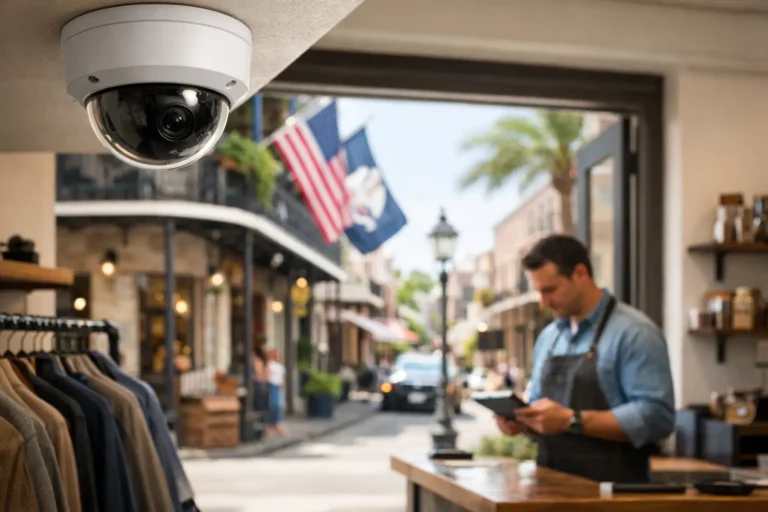
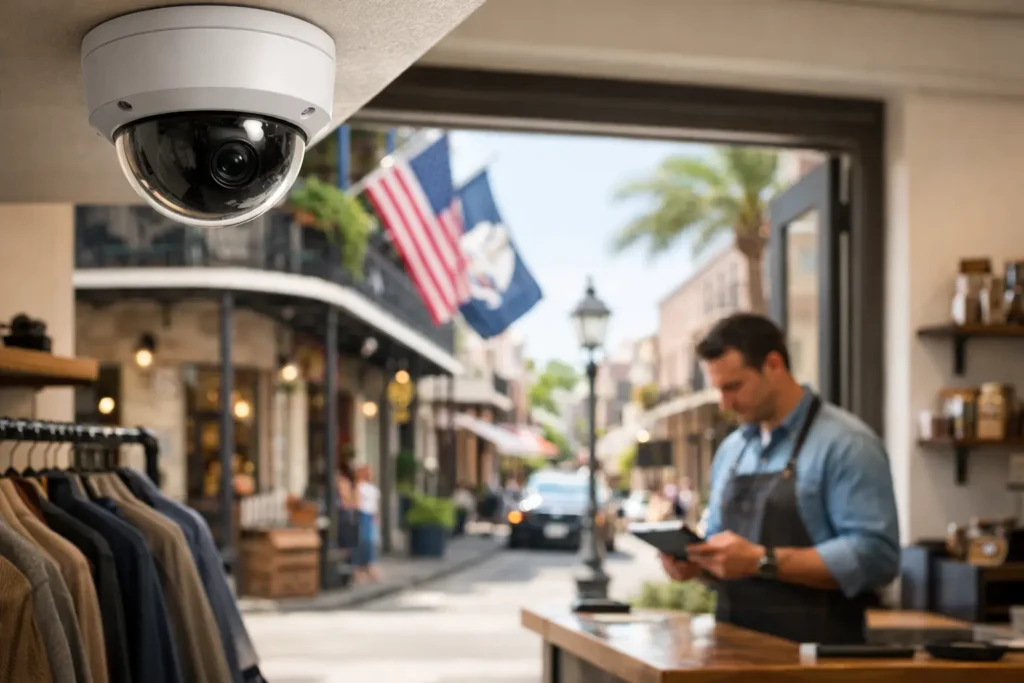
A camera that captures a clear image of a customer’s face at the front door is valuable. A camera that also shows who opened the business at 6:12 a.m., alerts the right person after hours, and records a clear view through Louisiana humidity and summer storms is far more useful. The best business security cameras are not simply the ones with the longest feature list. They are the cameras that fit your building, your daily routine, and the risks your business actually faces.
For small and midsize businesses, the right surveillance system protects more than merchandise. It can help owners review deliveries, investigate accidents, discourage theft, verify employee access, and keep an eye on a property when they cannot be there. Choosing well starts with a plan, not a box on a shelf.
What Makes the Best Business Security Cameras?
Business cameras must do more than produce video. They need to provide usable evidence when lighting is poor, activity is fast, or an incident occurs after your team has gone home. Camera placement, recording capacity, network reliability, and the ability to review footage quickly all matter as much as image resolution.
A retail store may need broad coverage of aisles, checkout areas, entrances, and stockrooms. A restaurant might prioritize front and back doors, cash-handling areas, walk-in coolers, and the parking lot. An office may focus on entry points, reception, equipment rooms, and access-controlled doors. The best system depends on how people move through your property and where a problem would have the greatest impact.
Professional design also prevents common gaps. A camera pointed at a bright exterior doorway can miss a face inside the entry. A wide-angle camera may cover a large room but not provide enough detail to identify someone across it. A camera mounted too high can show activity without capturing the details that matter. Good surveillance begins with a site assessment and clear goals for each camera.
Start With Coverage, Not Camera Count
It is tempting to ask how many cameras a business needs. The more useful question is: what do you need to see, identify, and document? One properly selected camera can be more effective than several cameras installed without a purpose.
Begin at the perimeter. Cover public entrances, employee entrances, receiving doors, and gates. If your business has customer parking, consider views of vehicle entrances, walkways, and areas where employees open or close the building. Exterior cameras should be selected and installed for the weather, heat, rain, and lighting conditions common in Louisiana.
Inside, protect high-value and high-activity areas. That may include registers, safes, inventory storage, server closets, loading areas, and hallways leading to restricted spaces. Cameras can also support better operational awareness. Owners often use recorded footage to confirm deliveries, understand customer traffic patterns, or resolve questions about a service visit.
Privacy matters, too. Cameras should never be installed in restrooms, changing rooms, or other places where people reasonably expect privacy. Let employees know where cameras are located and follow applicable workplace policies. A clear, respectful approach supports trust while still protecting the business.
Camera Features That Matter in Real Conditions
Resolution is important, but it is not the only consideration. Higher resolution can improve detail, especially when reviewing faces, labels, or activity near a register. However, higher-quality video also requires more storage and network bandwidth. A professional can help balance image quality with the practical demands of your property.
Low-light performance and night vision
Many incidents occur before opening, after closing, or in poorly lit areas. Look for cameras with dependable low-light performance and infrared night vision for dark spaces. For parking lots and entryways, lighting should be part of the conversation. A camera cannot create details that are hidden in deep shadows or washed out by bright headlights.
Wide dynamic range for entrances
Doors and storefront windows create difficult lighting conditions. Bright sun outside and darker light inside can leave a subject underexposed or unclear. Wide dynamic range helps cameras handle these contrasts, making it more likely that you can see a person entering or leaving the building.
Indoor, outdoor, and specialized cameras
A compact dome camera may be a good fit for a lobby or sales floor because it provides a clean appearance and can be difficult to redirect. Bullet-style cameras are often useful outdoors because they are visible and can be aimed at longer views. Multi-sensor and panoramic options can cover large areas, but they are not always the best choice for identification at a distance.
The right mix is usually better than one camera style everywhere. An experienced installer can match each device to its job rather than treating every room and outdoor area the same.
Recording, Storage, and Remote Viewing
A business camera system is only helpful if footage is available when you need it. That makes storage planning essential. Ask how long recordings will be kept, what happens when storage fills, and how quickly you can locate a specific event.
Some businesses prefer on-site recording equipment because it can provide reliable local storage and support longer retention periods. Cloud-based video services may offer convenient remote access and off-site protection if equipment at the business is damaged or stolen. Hybrid systems can combine local recording with cloud access or event clips. Each option involves trade-offs in cost, internet use, retention time, and access needs.
Remote viewing is especially valuable for owners who manage more than one location or are frequently away from the property. From an authorized mobile device or computer, you may be able to check live video, review recorded events, and receive alerts for activity in selected areas. Those alerts should be configured carefully. Too many notifications quickly become noise, while properly targeted alerts can help you respond to activity that deserves attention.
Security Cameras Work Better With a Complete Business System
Cameras are a strong layer of protection, but they are not a replacement for an alarm system, controlled access, proper lighting, and sound opening and closing procedures. When these systems work together, business owners gain a clearer picture of what happened and can respond more effectively.
For example, an intrusion alarm can notify the proper contacts of an after-hours event while cameras provide visual verification. Access control can document when authorized users enter a restricted area, while video helps verify activity at that door. Opening and closing reports can add accountability for managers who need visibility across shifts or locations.
This integrated approach is particularly helpful for businesses with inventory, cash handling, sensitive records, or employees working early and late hours. It also gives owners more practical information without requiring them to watch live video all day.
Why Professional Installation Is Worth Considering
A do-it-yourself camera may seem like a quick solution, but commercial security has little room for guesswork. A system can appear to work well until a critical moment reveals poor coverage, weak Wi-Fi, insufficient storage, or a camera obscured by glare. Professional installation addresses the details that are easy to overlook.
An installer can assess sightlines, select appropriate mounting locations, protect and conceal wiring where needed, configure recording settings, and verify remote access before the job is complete. They can also explain how to search footage, create user permissions, and maintain the system over time.
For Louisiana businesses, local support adds another practical advantage. If your needs change after a renovation, a move, or an expansion, you want a team that can evaluate the new space and provide responsive service. Alarm Center Security has protected local homes and businesses since 1985, with tailored designs and professional support built around the way each customer operates.
Questions to Ask Before You Buy
Before selecting a system, make sure you can answer these questions clearly:
- Which doors, rooms, assets, and outdoor areas need coverage?
- Do you need to identify faces, monitor general activity, or both?
- How many days of footage should be retained?
- Who needs permission to view live and recorded video?
- Will the cameras integrate with your alarm, access control, or mobile app?
- What service and support will be available after installation?
The answers help determine the right camera types, storage plan, and installation approach. They also make it easier to compare proposals fairly. The lowest initial price may not provide the coverage, retention, or service your business needs over the long term.
A dependable camera system should make your day easier, not add another technology problem to manage. Start with the areas that matter most, choose equipment that performs in your environment, and work with a security professional who will still be available after the cameras are installed. A thoughtful plan today can give you clearer answers and greater peace of mind when your business needs them most.